App métier
Projets
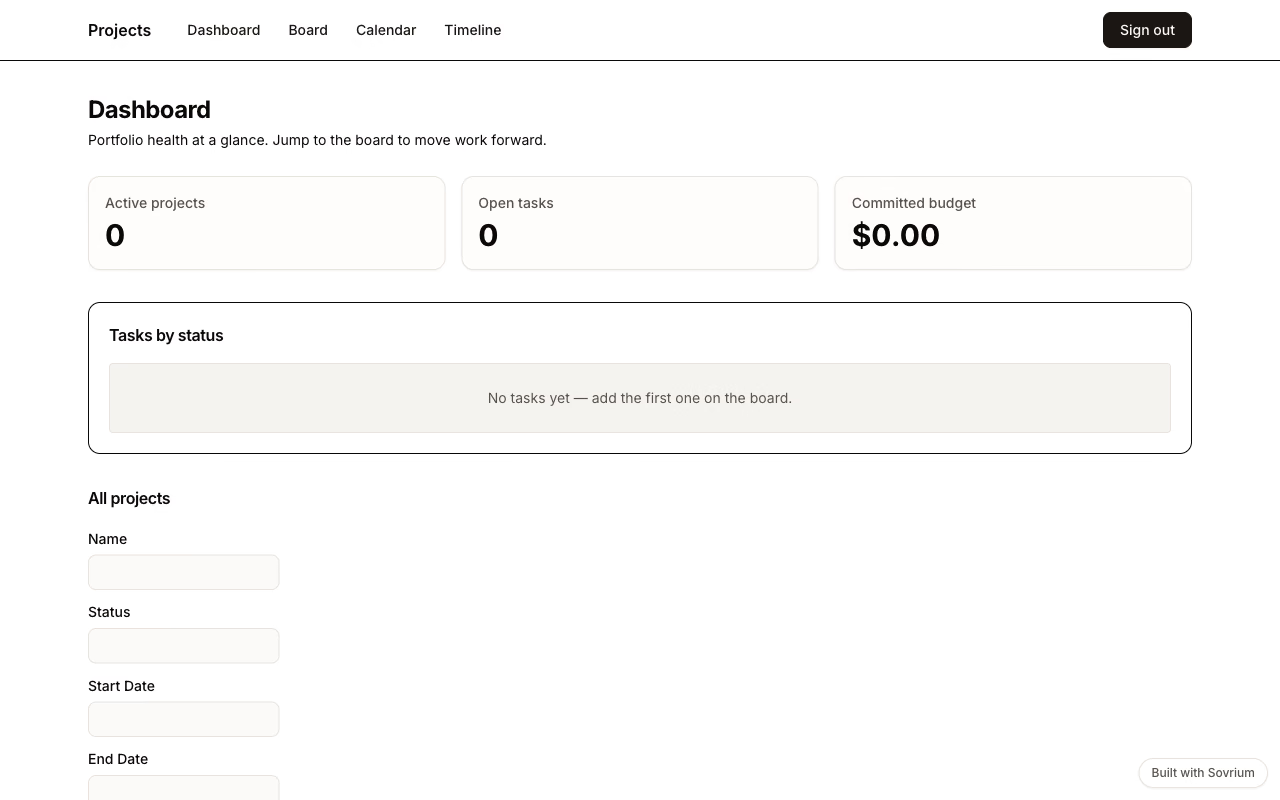
La gestion de projet sur deux tables et quatre vues : une timeline Gantt, un tableau de tâches en glisser-déposer, un calendrier d'échéances et un tableau de bord KPI, avec une automatisation qui alerte l'assigné quand une tâche est bloquée.
Connexion démo
Email
demo@sovrium.com
Mot de passe
Sovrium-Demo-d8462d!
Réinitialisée chaque nuit. Tes changements sont effacés, alors explore librement.
Cette app fait partie des démos Sovrium hébergées.
La configuration
C'est toute l'app. Copie-la, modifie-la, fais-la tienne.
name: projects
version: 1.0.0
description: >-
  Project management workspace — plan projects on a Gantt timeline, run the
  work on a task kanban, and track deadlines on a calendar. One config, four
  views over the same two tables.

auth:
  $ref: ./config/auth.yaml

theme:
  $ref: ./config/theme.yaml

tables:
  - $ref: ./config/tables/projects.yaml
  - $ref: ./config/tables/tasks.yaml

pages:
  - $ref: ./config/pages/sign-in.yaml
  - $ref: ./config/pages/dashboard.yaml
  - $ref: ./config/pages/board.yaml
  - $ref: ./config/pages/calendar.yaml
  - $ref: ./config/pages/timeline.yaml

# Automations run server-side with full history in your own database.
automations:
  - $ref: ./config/automations/notify-assignee-on-blocked.yaml
Lance-la
Installe Sovrium, puis démarre l'app depuis sa config.
curl -fsSL https://sovrium.com/install | sh
sovrium init my-projects --template projects
Construis la tienne
Pars d'un modèle ou d'un fichier vide. Une config, et Sovrium fait tourner toute l'app.