Own the system that quietly runs your organization.
Sovrium is a configurable and sovereign application engine. Describe your tables, pages, permissions and automations in one file. Sovrium runs the application, on your own infrastructure.
Install in one line:
curl -fsSL https://sovrium.com/install | sh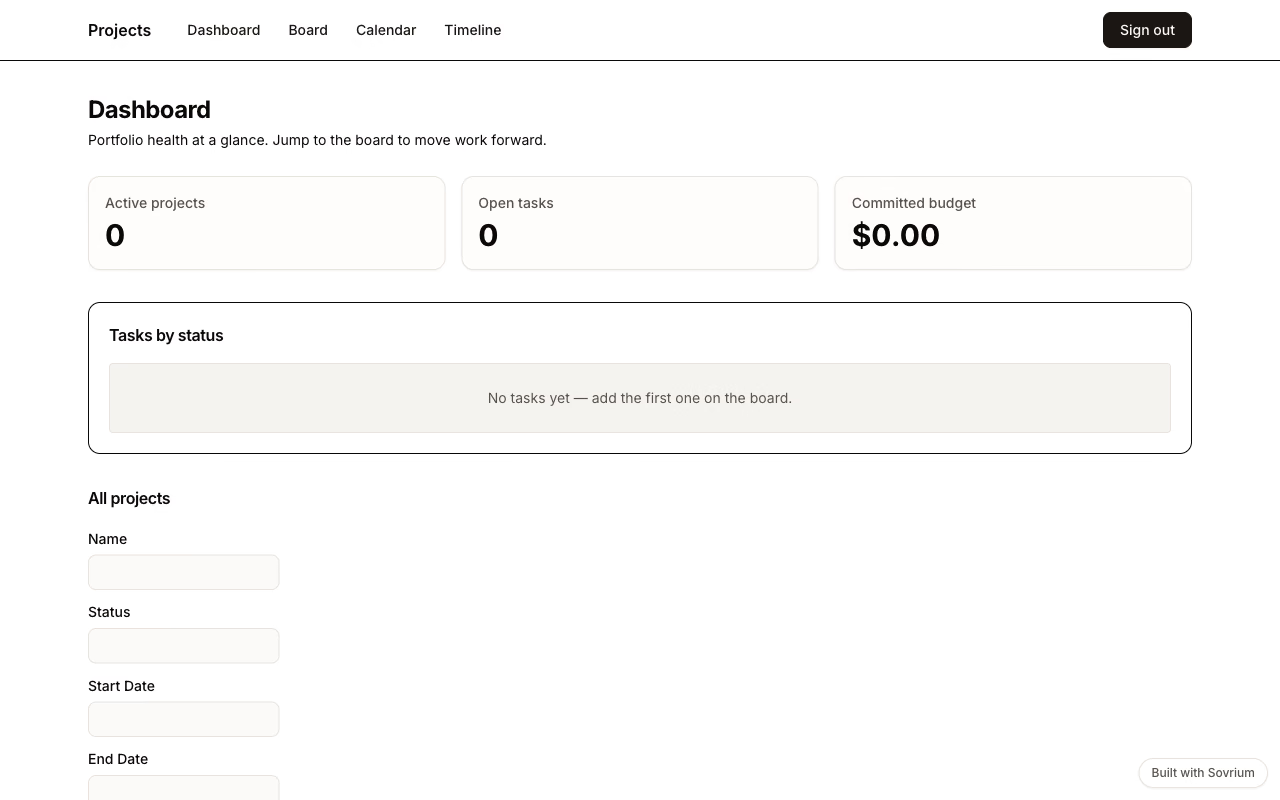
Trusted by teams who own their software








From nothing to a running app in three steps.
Three commands and the application is serving. Each step shows the command and what it actually prints.
curl -fsSL https://sovrium.com/install | shsovrium 0.20.0 installed to /usr/local/bin/sovrium
sovrium init hello-world --template hello-worldCreated hello-world/app.yaml from the hello-world template
1
Install Sovrium.
One command, on your machine or your server. No account, no cloud. Then scaffold a project from a template. Hello World is the smallest one that still runs.
Browse the templatesname: hello-world
pages:
- path: /
components:
- type: text
element: h1
content: Hello, world2
Edit the configuration with an AI.
The config reads like plain instructions, so an AI agent can edit it for you. Give your agent the reference below and describe what you need. Sovrium came before AI, and it runs perfectly without it.
The reference to give your AI agentcd hello-world
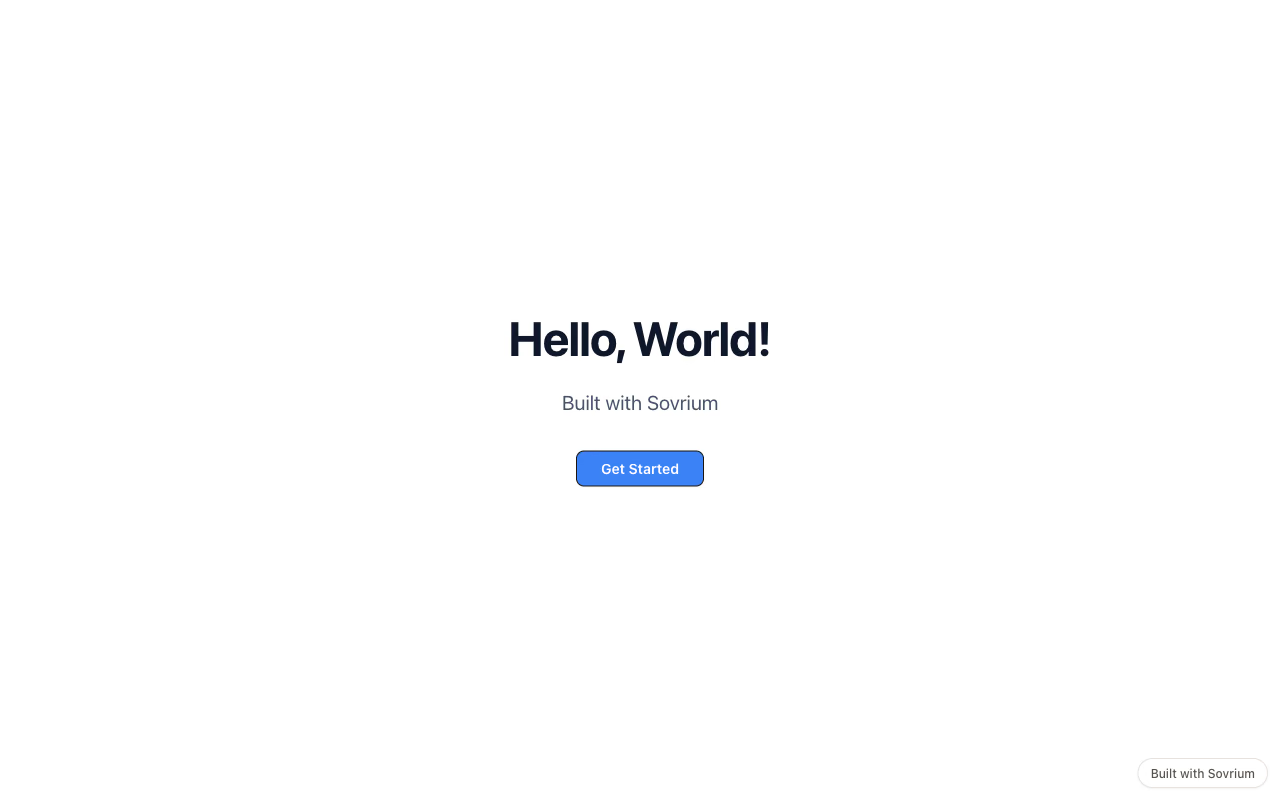
sovrium start app.yamlSovrium listening on http://localhost:3000
3
Run it.
Point Sovrium at the config and the application is live: tables, auth, pages, a typed API, and an admin space to operate it.
Operate it from the admin spaceEvery feature is a few lines of configuration.
Tables, permissions, automations, forms, files, AI agents, theme. Pick one and read exactly what declaring it costs.
tables:
  - name: contacts
    fields:
      - { name: full_name, type: single-line-text, required: true }
      - { name: email, type: email }
      - { name: stage, type: single-select, options: [Prospect, Client, Perdu] }
      - { name: budget, type: currency, currency: EUR }
This site is a Sovrium app.
Everything you are reading runs on the engine you can install, for the price of the server it sits on. Four facts follow, and none of them can go out of date.
0
React components written to build it
0 €
for the engine: free and self-hosted. The server is on you.
100 %
of this site’s pages, redirects and metadata are declared in configuration
1
binary serves this site, and it is the one you download
Apps you can open right now.
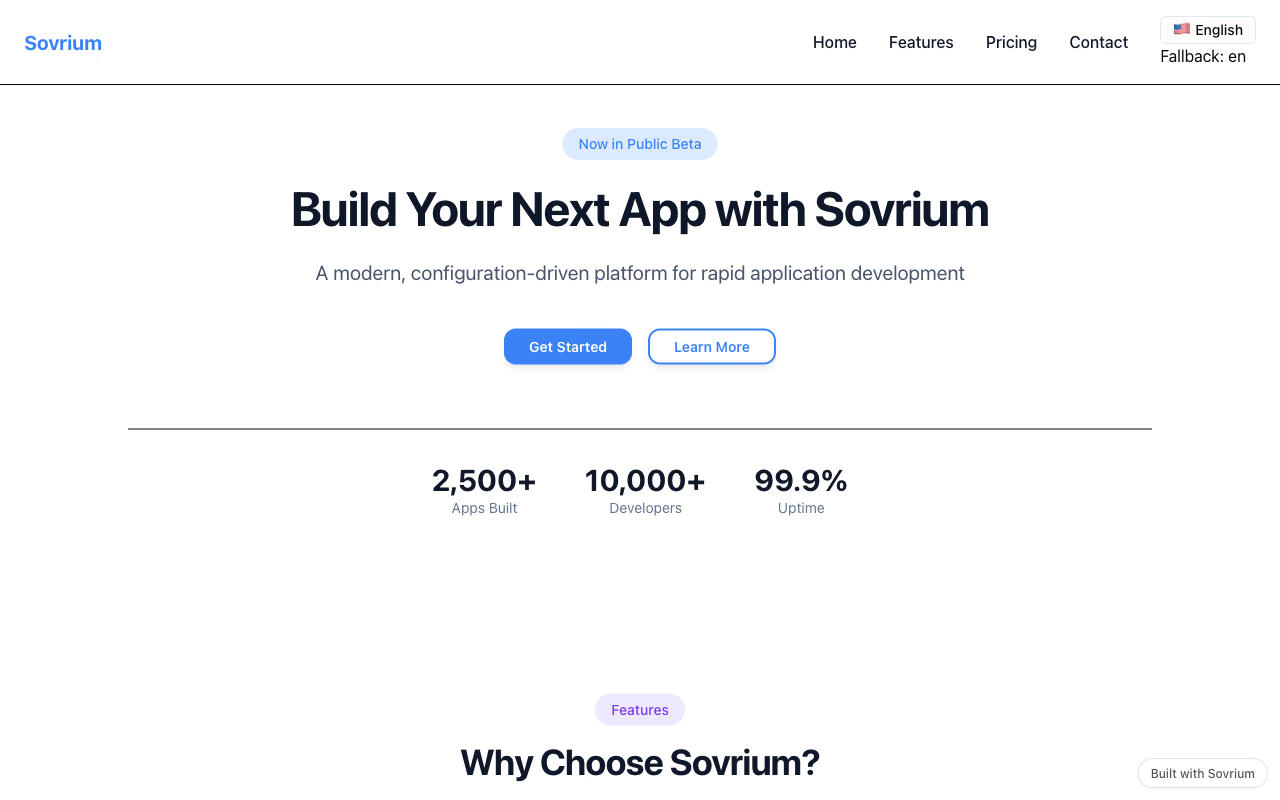
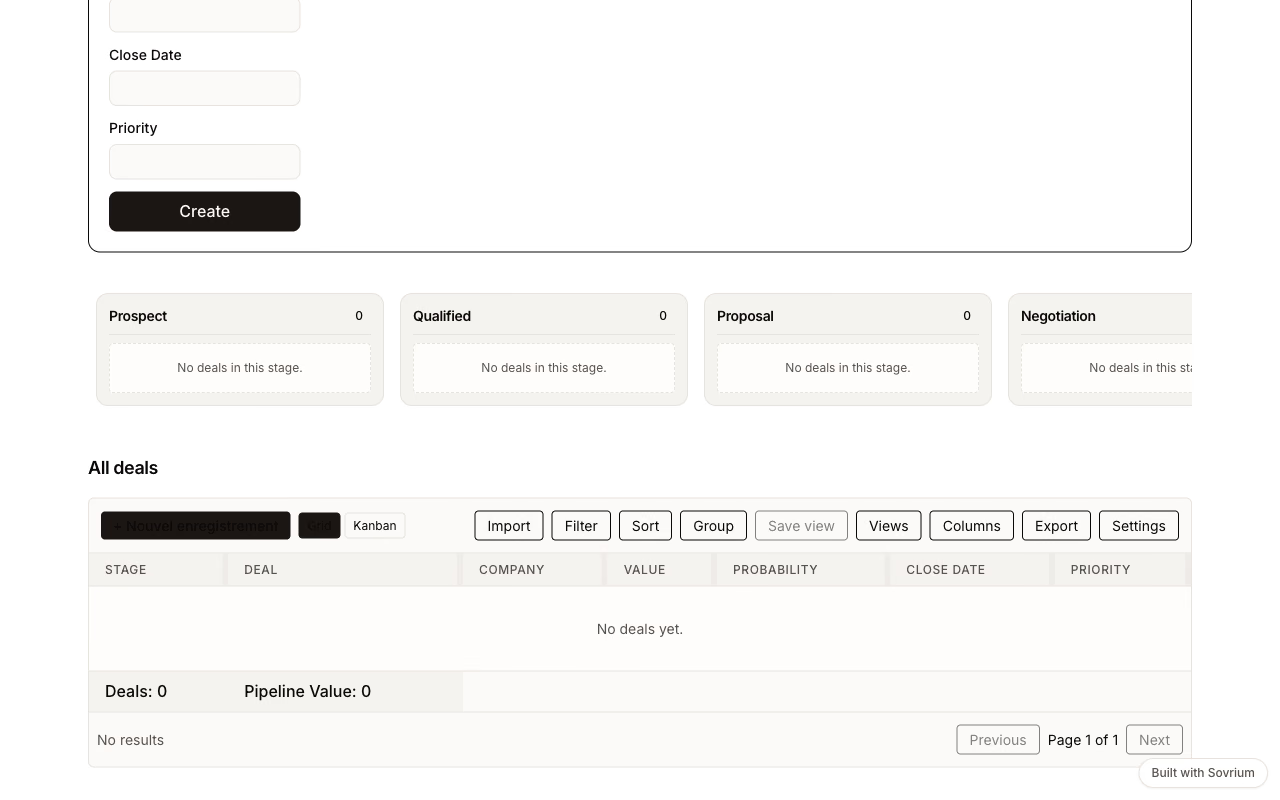
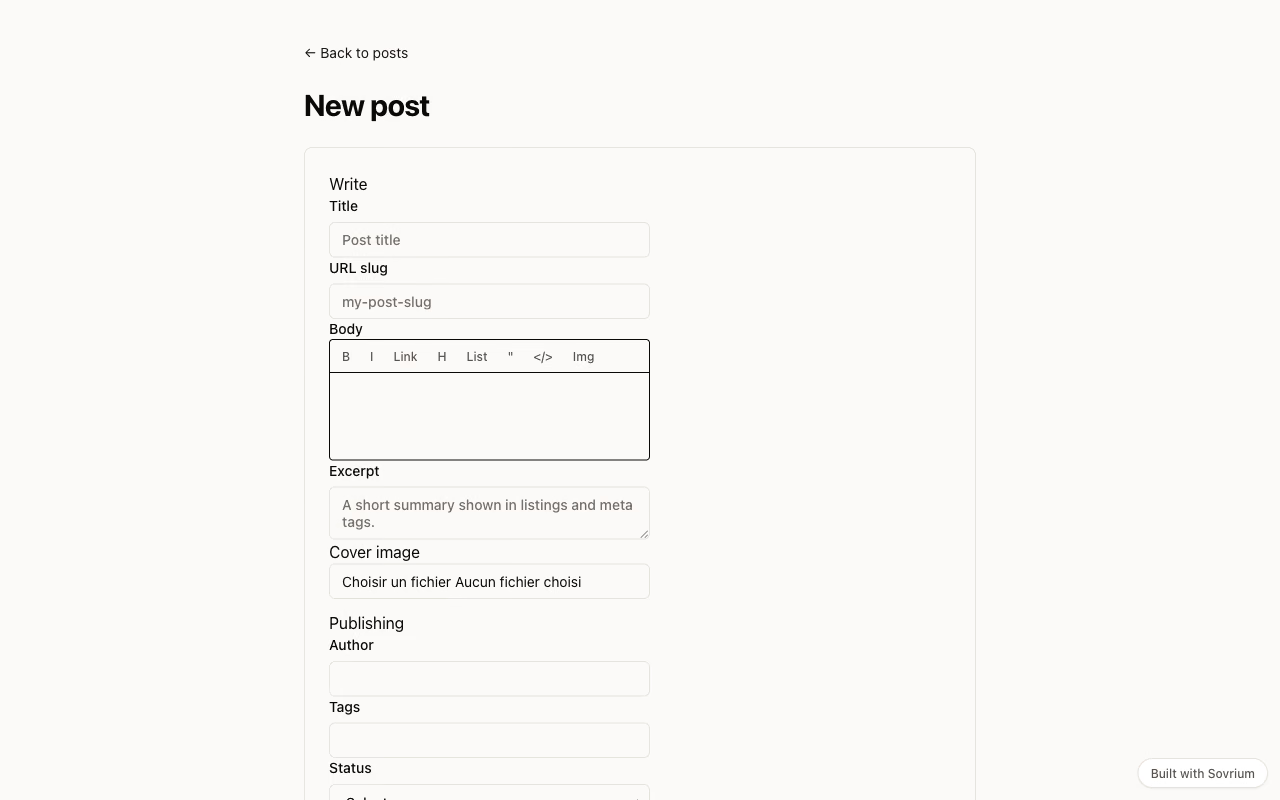
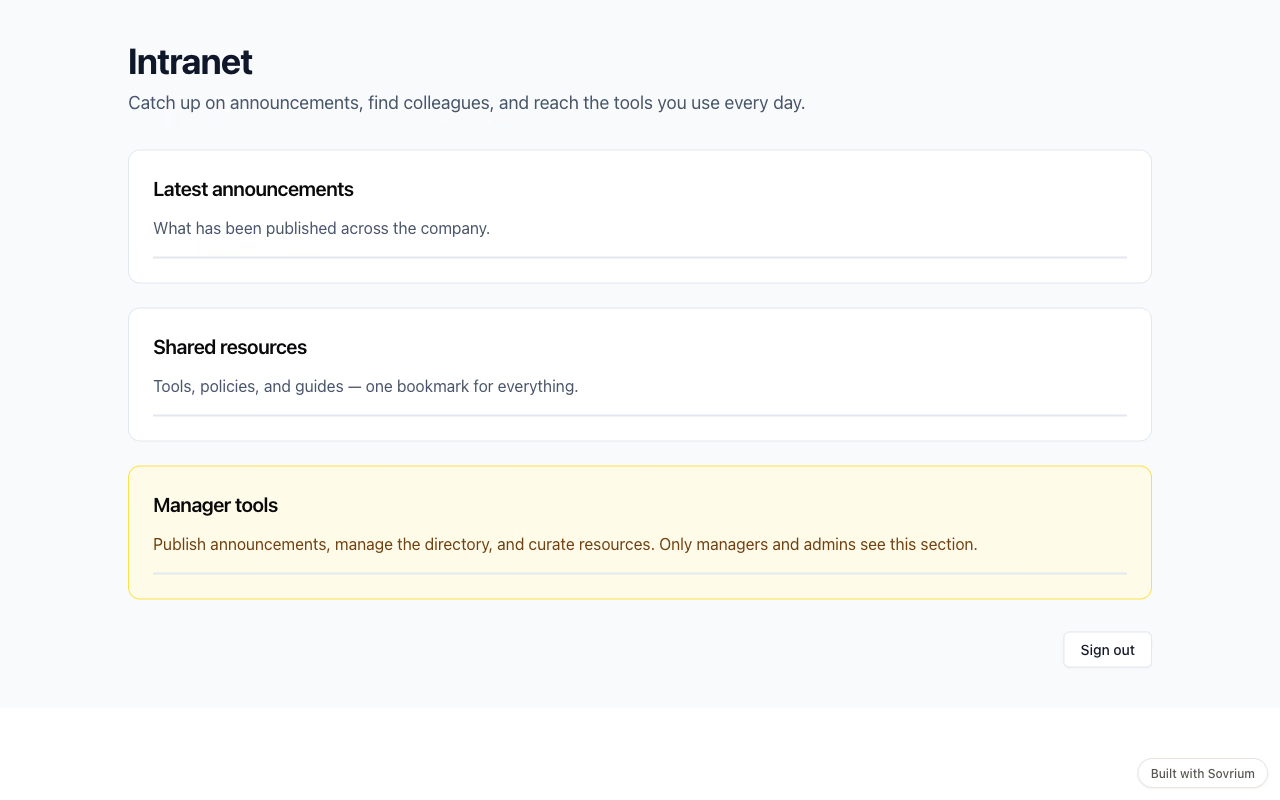
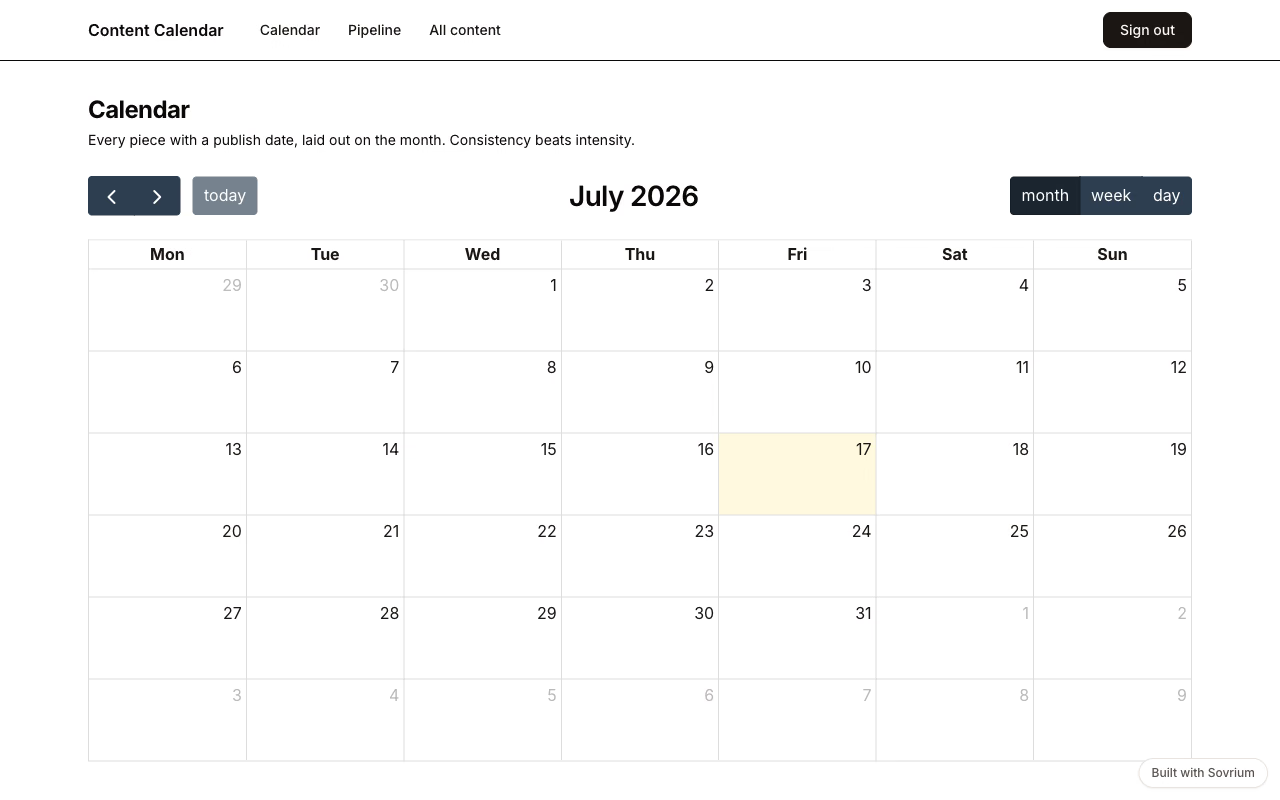
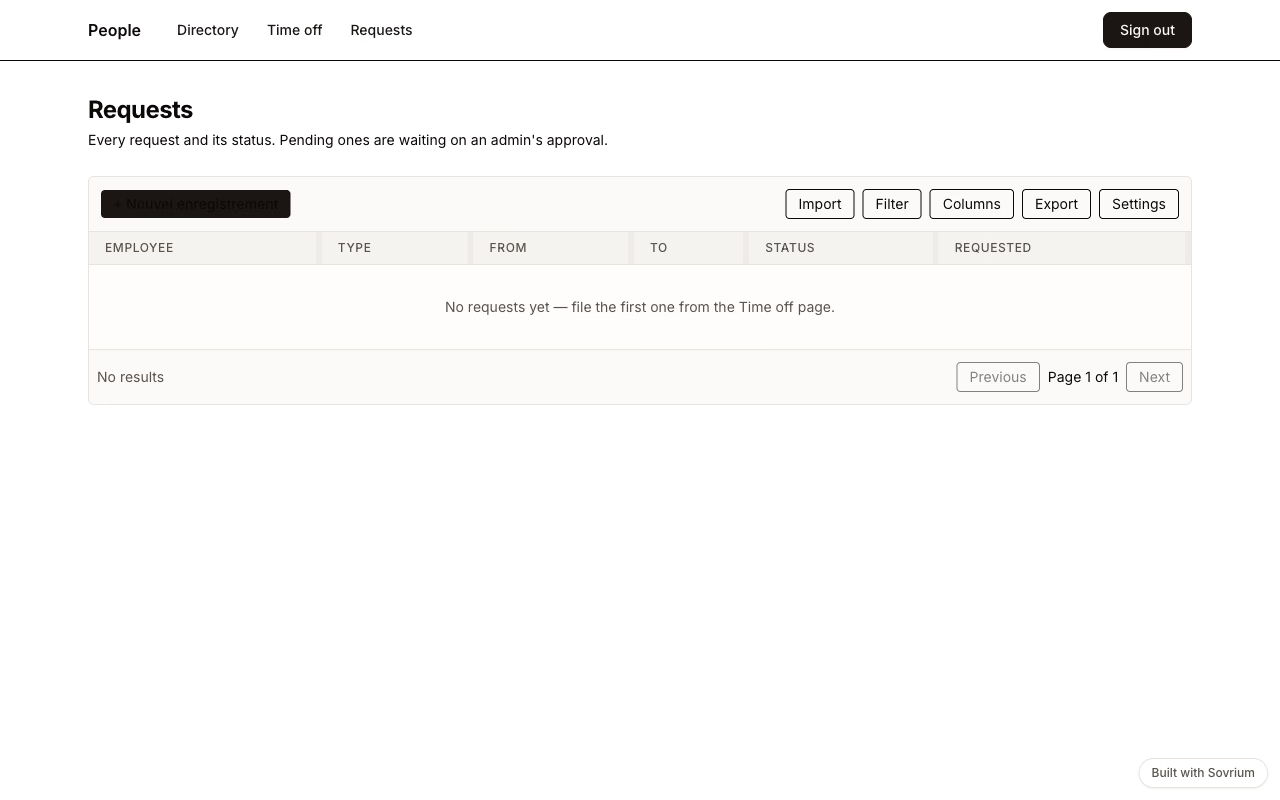
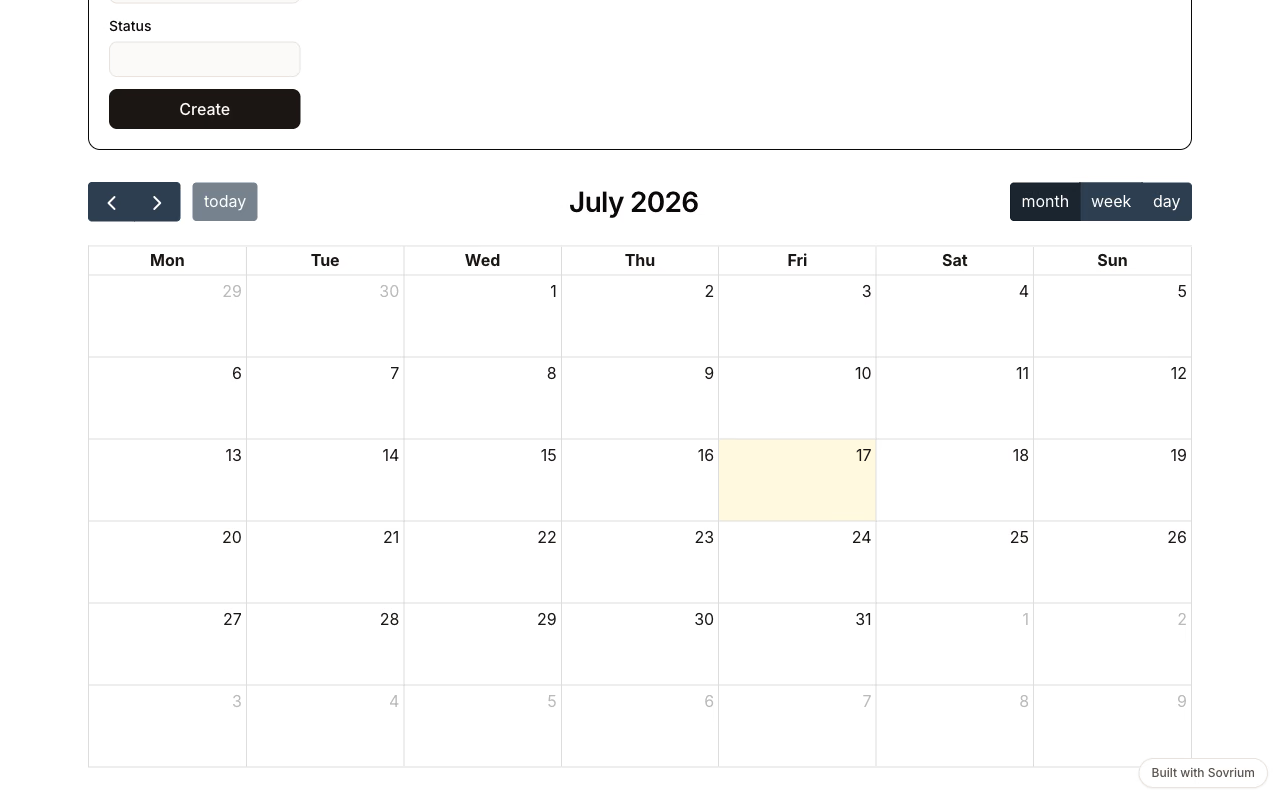
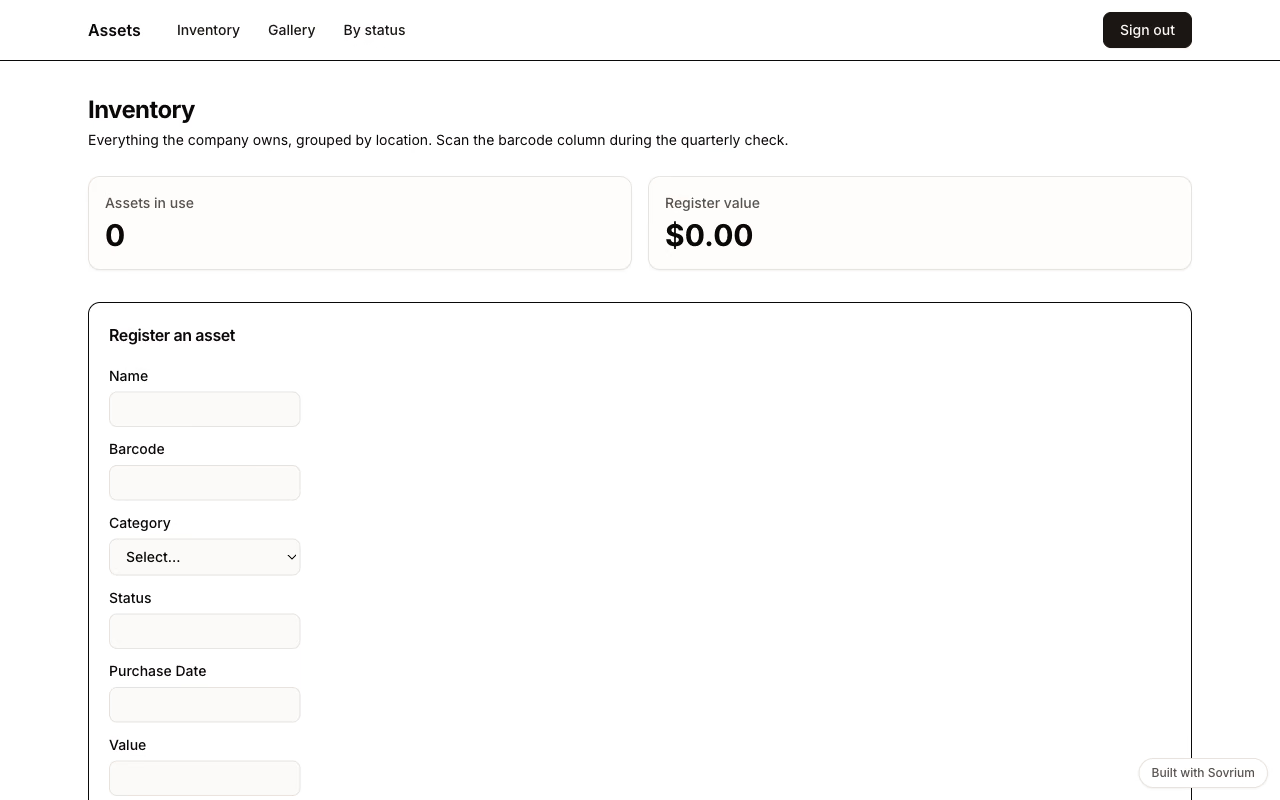
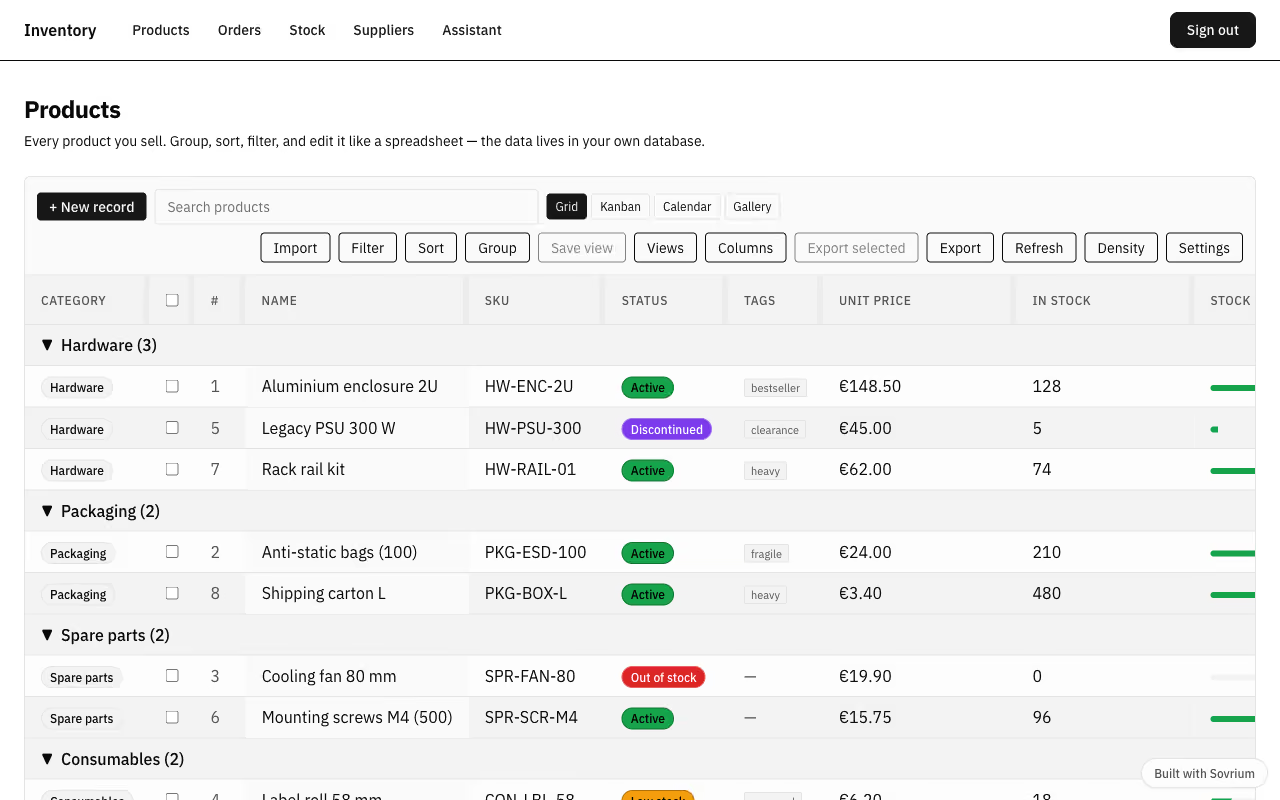
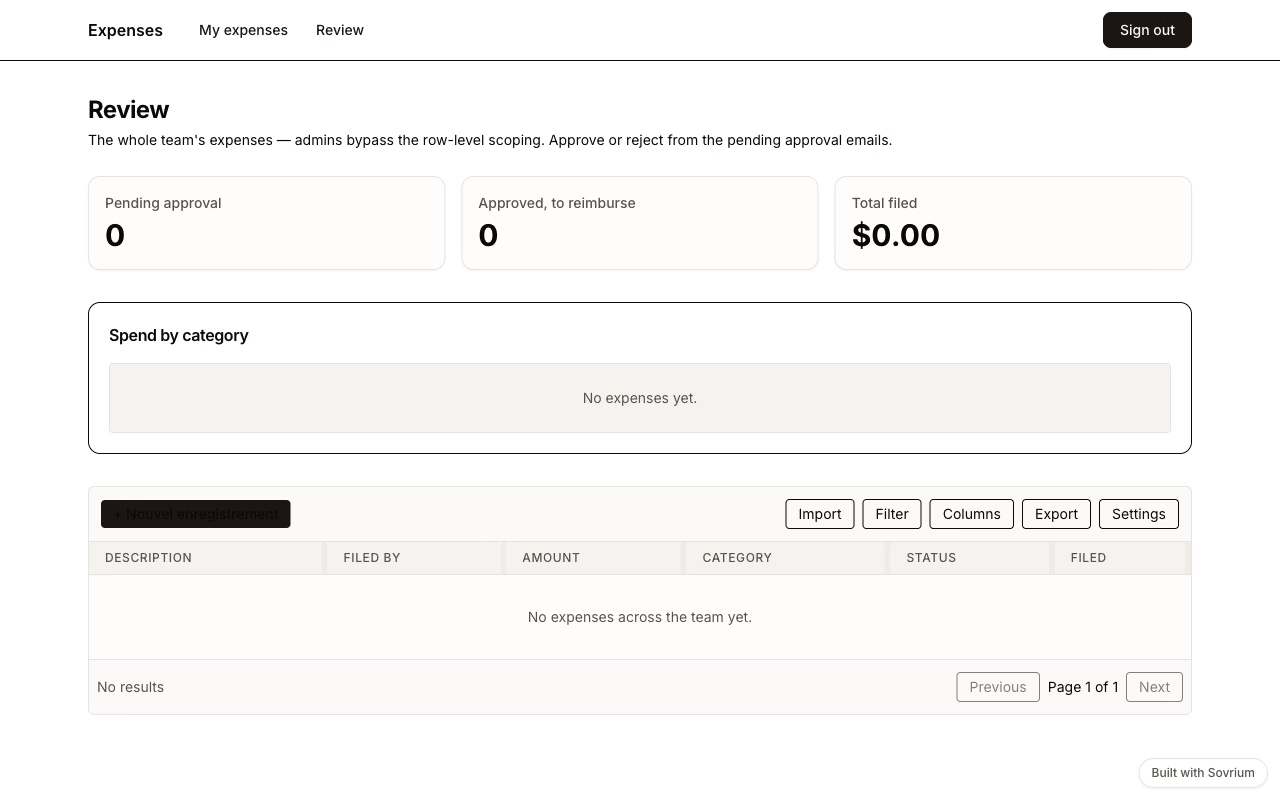
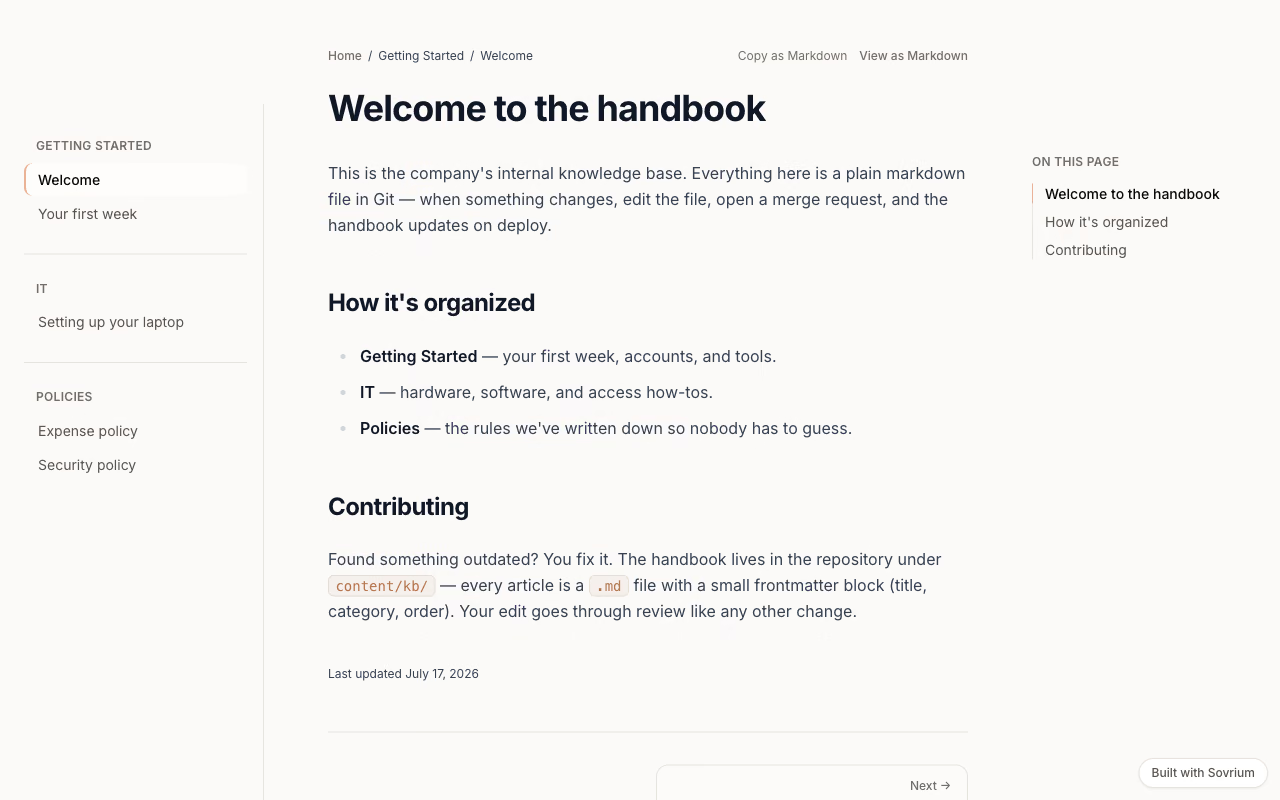
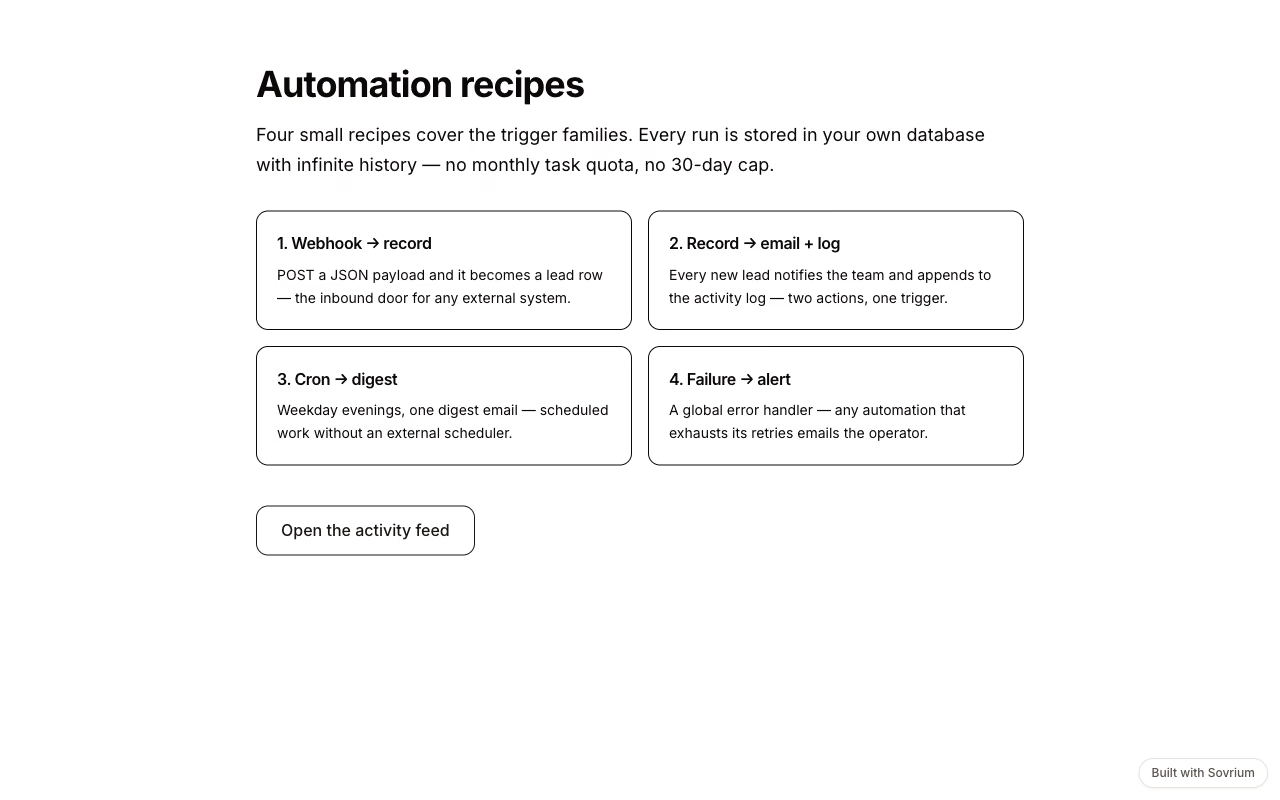
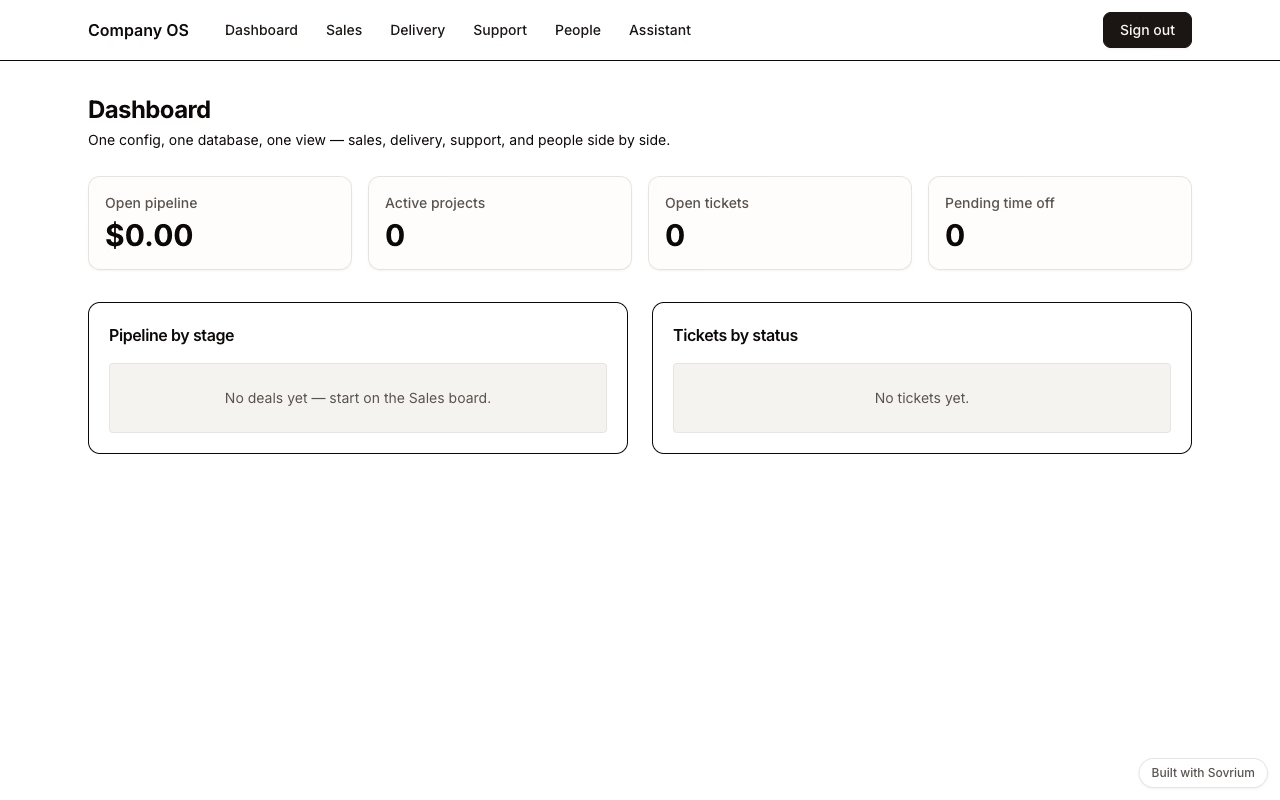
Each one is a template you can install and change. Open one first: reading a running application tells you more than any feature list.
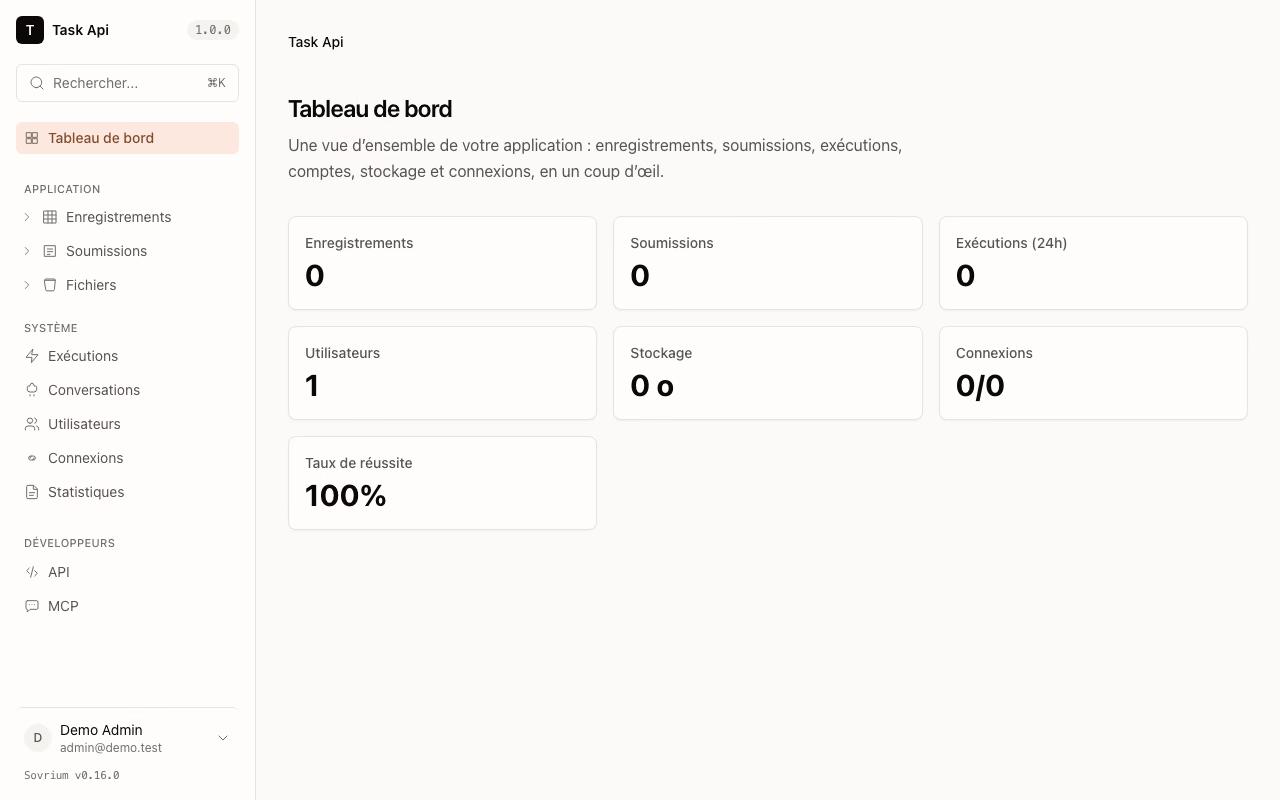
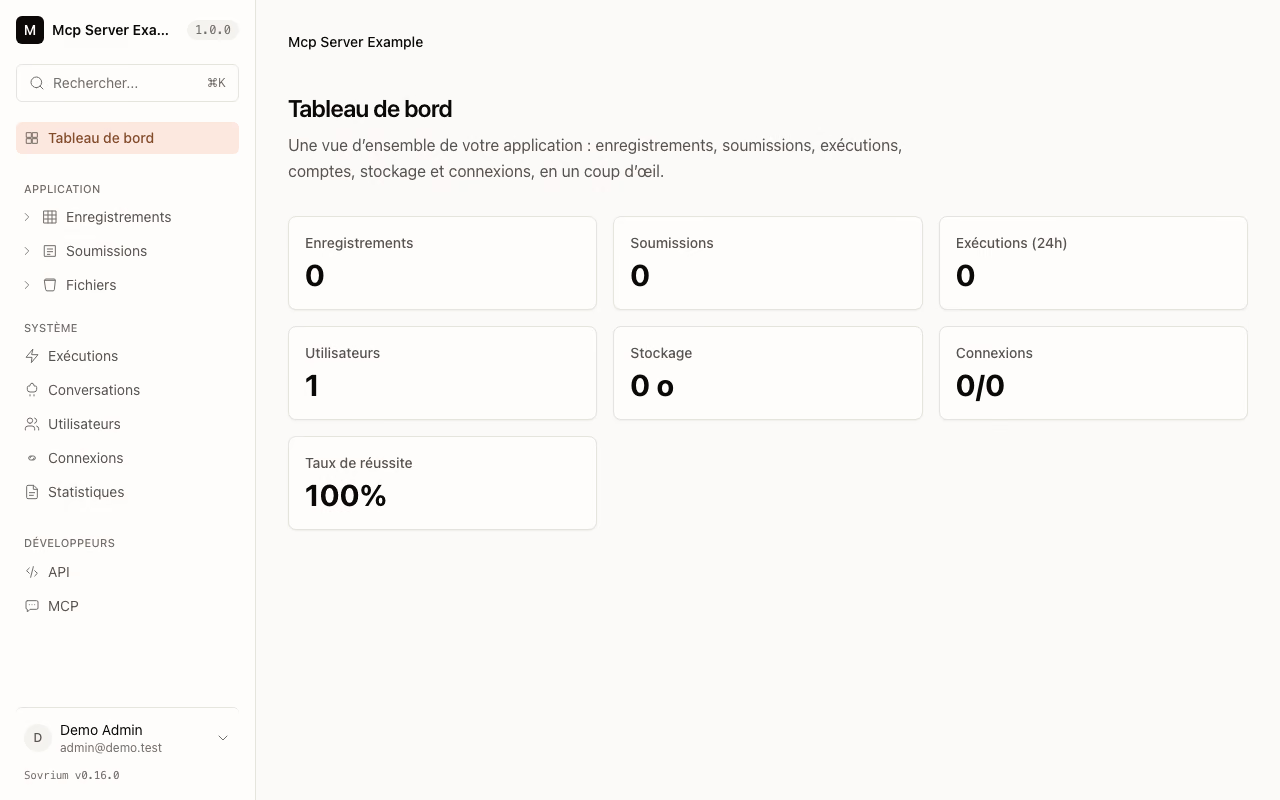
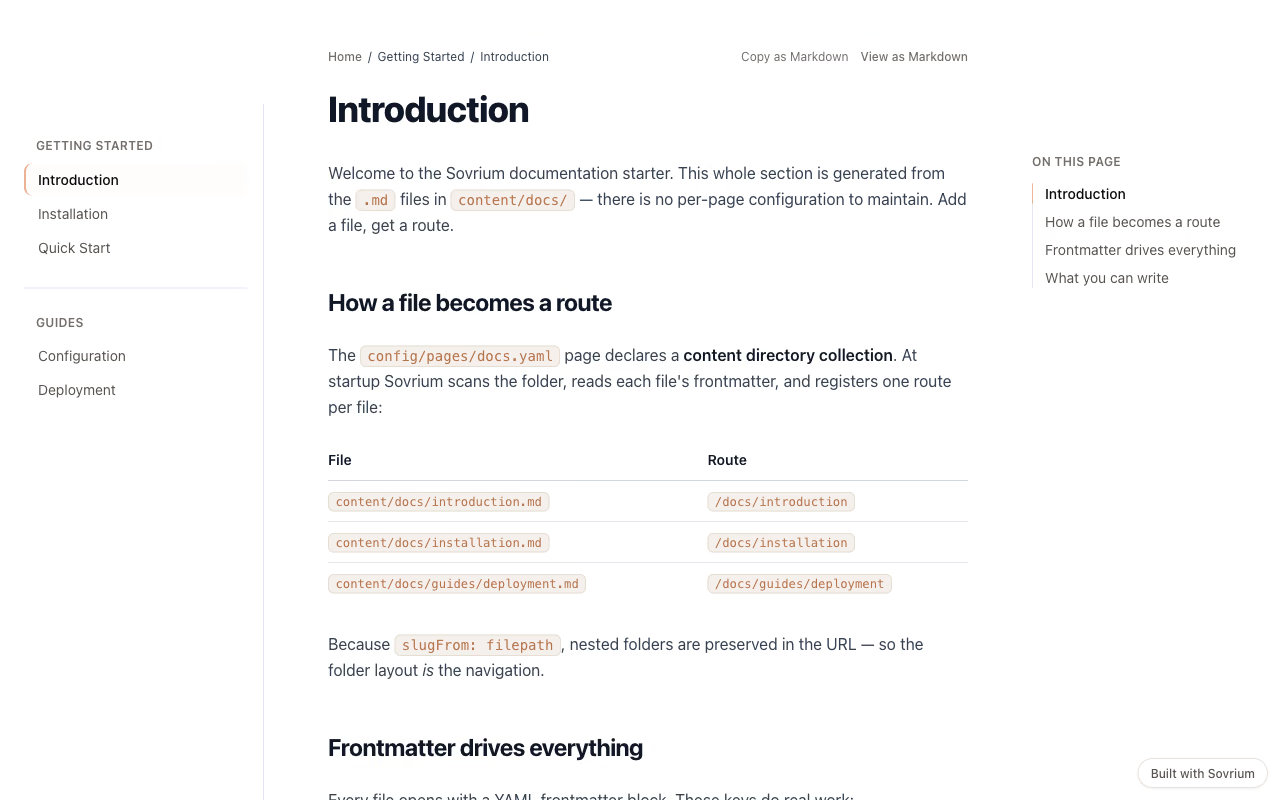
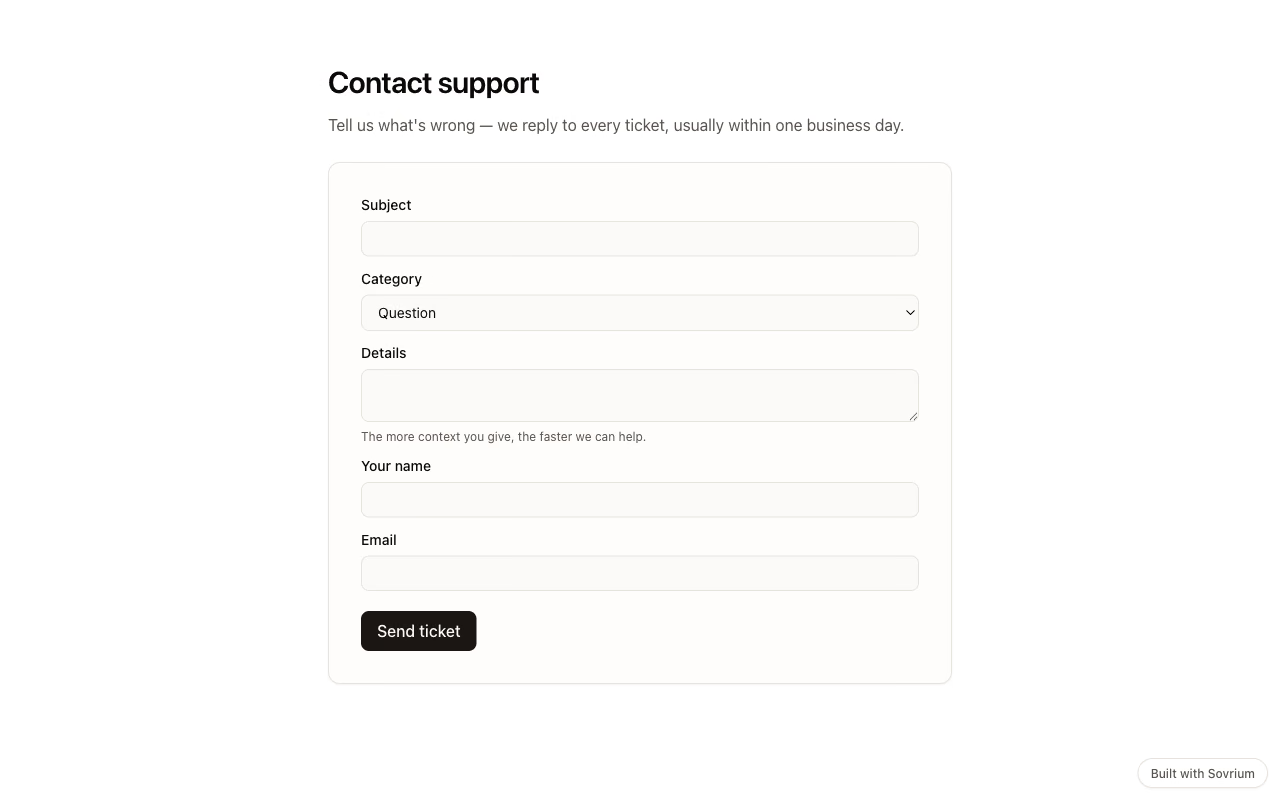
Want a hand building it?
Sovrium Partner builds the tool with you, or coaches your team to build it themselves. It is the consultancy Sovrium came out of, so the people who wrote the engine are the people you talk to.
Join Sovrium Partner