App métier
Calendrier Éditorial
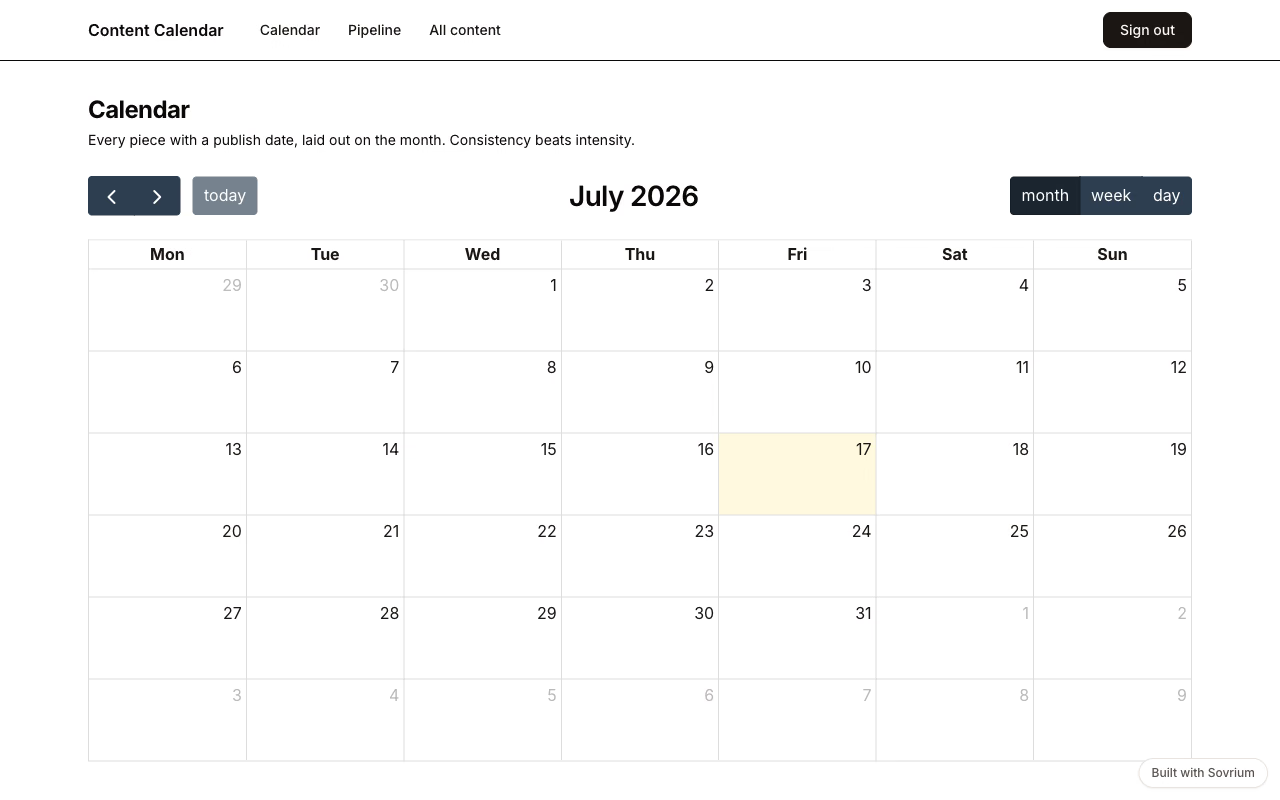
La planification de contenu marketing : chaque contenu avance sur un kanban éditorial et se pose sur un calendrier mensuel, briefs et fichiers attachés, et un cron du lundi matin envoie à l'équipe ce qui part cette semaine.
Connexion démo
Email
demo@sovrium.com
Mot de passe
Sovrium-Demo-d8462d!
Réinitialisée chaque nuit. Tes changements sont effacés, alors explore librement.
Cette app fait partie des démos Sovrium hébergées.
La configuration
C'est toute l'app. Copie-la, modifie-la, fais-la tienne.
name: content-calendar
version: 1.0.0
description: >-
  Marketing content calendar — plan pieces on a month view, move them through
  an editorial kanban, and keep briefs and assets attached to every piece.
  A Monday-morning cron emails the team what ships this week.

auth:
  $ref: ./config/auth.yaml

theme:
  $ref: ./config/theme.yaml

tables:
  - $ref: ./config/tables/campaigns.yaml
  - $ref: ./config/tables/content.yaml

pages:
  - $ref: ./config/pages/sign-in.yaml
  - $ref: ./config/pages/calendar.yaml
  - $ref: ./config/pages/pipeline.yaml
  - $ref: ./config/pages/grid.yaml

# Automations run server-side with full history in your own database.
automations:
  - $ref: ./config/automations/weekly-digest.yaml
Lance-la
Installe Sovrium, puis démarre l'app depuis sa config.
curl -fsSL https://sovrium.com/install | sh
sovrium init my-calendar --template content-calendar
Construis la tienne
Pars d'un modèle ou d'un fichier vide. Une config, et Sovrium fait tourner toute l'app.