App métier
Company OS
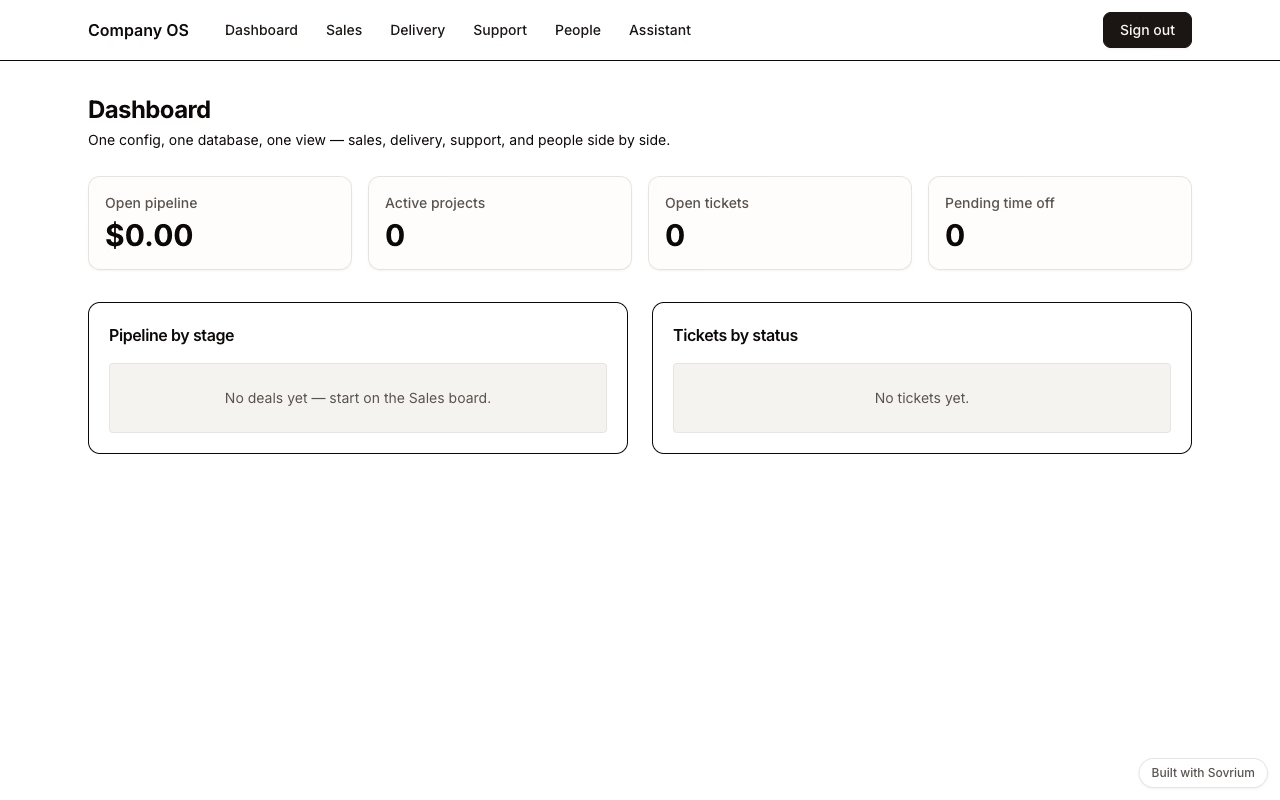
Le vaisseau amiral : CRM, delivery, support et RH dans une config et une base. Une affaire gagnée ouvre son projet de delivery, un ticket résolu écrit au contact CRM, et un assistant IA travaille sur tous les domaines.
Connexion démo
Email
demo@sovrium.com
Mot de passe
Sovrium-Demo-d8462d!
Réinitialisée chaque nuit. Tes changements sont effacés, alors explore librement.
Cette app fait partie des démos Sovrium hébergées.
La configuration
C'est toute l'app. Copie-la, modifie-la, fais-la tienne.
# The flagship: an entire information system in ONE config. CRM, project
# delivery, support, and HR share the same database and cross-reference each
# other — a won deal spawns a delivery project, a ticket links to the CRM
# contact, and one AI assistant works across all of it. This is the file you
# diff, fork, and re-deploy: no per-module licence, no integration glue.
name: company-os
version: 1.0.0
description: >-
  A company's information system in one config — CRM pipeline, project
  delivery, support tickets, and an HR directory with time off, wired
  together with cross-domain automations and one AI assistant.

auth:
  $ref: ./config/auth.yaml

theme:
  $ref: ./config/theme.yaml

tables:
  # CRM
  - $ref: ./config/tables/companies.yaml
  - $ref: ./config/tables/contacts.yaml
  - $ref: ./config/tables/deals.yaml
  # Delivery
  - $ref: ./config/tables/projects.yaml
  - $ref: ./config/tables/project_tasks.yaml
  # Support
  - $ref: ./config/tables/tickets.yaml
  # People
  - $ref: ./config/tables/employees.yaml
  - $ref: ./config/tables/time_off_requests.yaml

# One assistant across the whole IS (surfaced on /assistant). Requires an AI
# provider at runtime (AI_PROVIDER, local Ollama by default); config
# validation does not need it.
agents:
  - $ref: ./config/agents/ops-assistant.yaml

pages:
  - $ref: ./config/pages/sign-in.yaml
  - $ref: ./config/pages/dashboard.yaml
  - $ref: ./config/pages/sales.yaml
  - $ref: ./config/pages/delivery.yaml
  - $ref: ./config/pages/support.yaml
  - $ref: ./config/pages/people.yaml
  - $ref: ./config/pages/assistant.yaml

# Cross-domain automations — the point of one config: domains react to each
# other without integration middleware.
automations:
  - $ref: ./config/automations/create-project-on-won-deal.yaml
  - $ref: ./config/automations/notify-contact-on-resolved-ticket.yaml
  - $ref: ./config/automations/approve-time-off.yaml
Lance-la
Installe Sovrium, puis démarre l'app depuis sa config.
curl -fsSL https://sovrium.com/install | sh
sovrium init my-company --template company-os
Construis la tienne
Pars d'un modèle ou d'un fichier vide. Une config, et Sovrium fait tourner toute l'app.