Admin Dashboard
Every Sovrium app auto-mounts a native admin dashboard at /_admin — an operator console for viewing and operating on the running app's data. It is a read-only operational data console: you inspect records, automation runs, form submissions, accounts, files, and analytics, but you never edit configuration here. Configuration is code-only — you change an app by editing its app.ts / app.yaml and re-deploying.
Access model
- Admin-only. The console and its
/api/admin/*routes require an admin session (caller.role === 'admin'). There is no editor/viewer tier. - Anonymous → 404. Unauthenticated or non-admin requests get a
404envelope, never a401/403— the surface's existence is unobservable (anti-enumeration; see Security Hardening). - No config editing. There is no schema/JSON/YAML editor, no draft → publish, no version ledger — those were removed when Sovrium went config-code-only. The dashboard reflects state; it never mutates configuration.
- English-only. The console renders its own chrome in English — sign-in, sidebar, headings, table columns, empty states, confirmations, toasts. It pins that language rather than negotiating it, so an operator on a French-locale browser still gets a consistent console instead of a half-translated one. This is the console's own interface only: your app is unaffected and still renders in whatever language its
languagesconfig declares.
Signing in
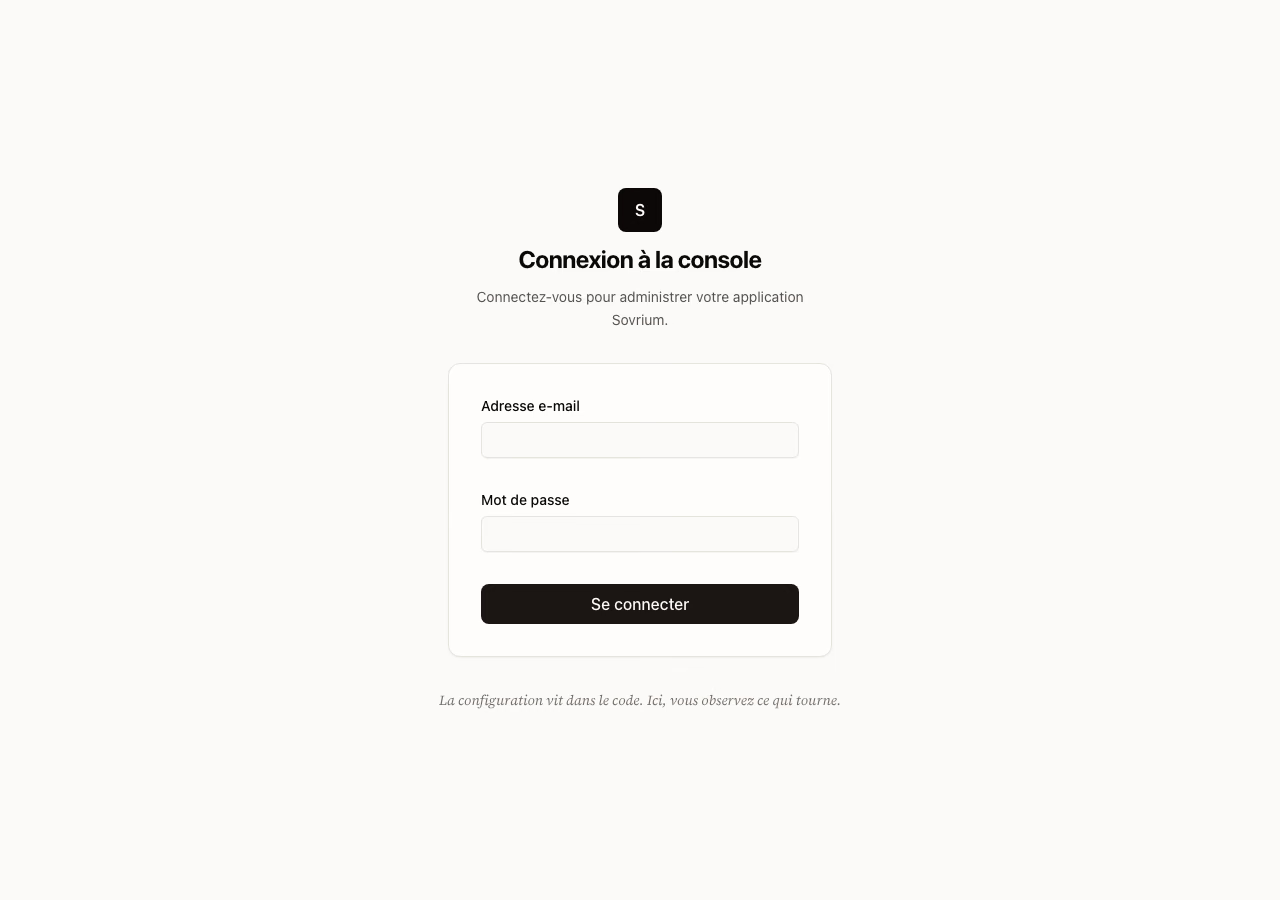
The sign-in page is at /_admin/login. Everything else under /_admin answers 404
until you hold an admin session — including /_admin itself, which returns 404 rather
than redirecting you to the sign-in page, because the console does not advertise its own
existence. So navigate to /_admin/login directly; there is no link to follow.
Once you are signed in, /_admin/login redirects to the console root.
Overview
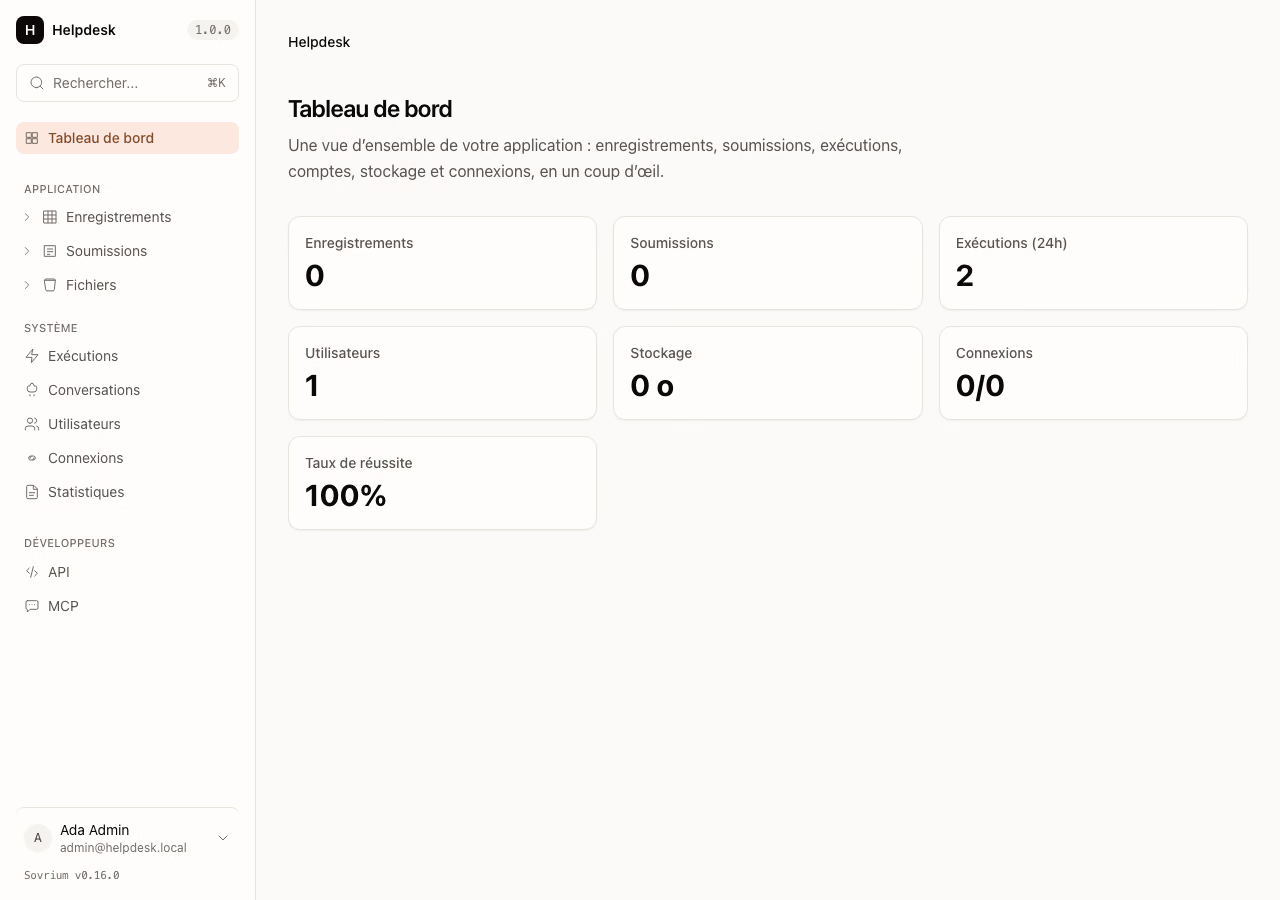
The console root (/_admin) is a Dashboard overview: at-a-glance KPI tiles and a short activity trend across the app's domains — records written, automation runs, form submissions, users — over a shared period preset (24h / 7d / 30d).
Application surfaces
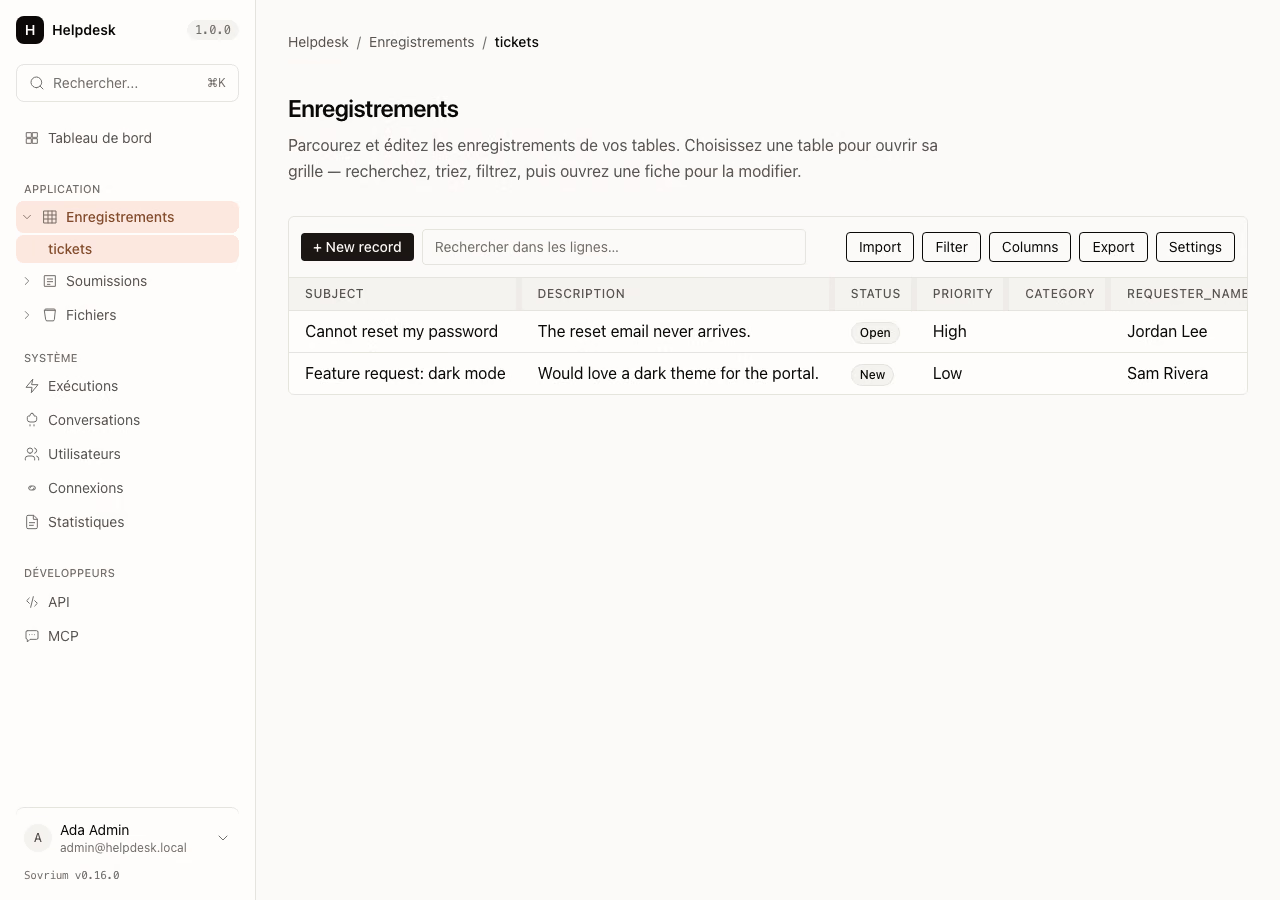
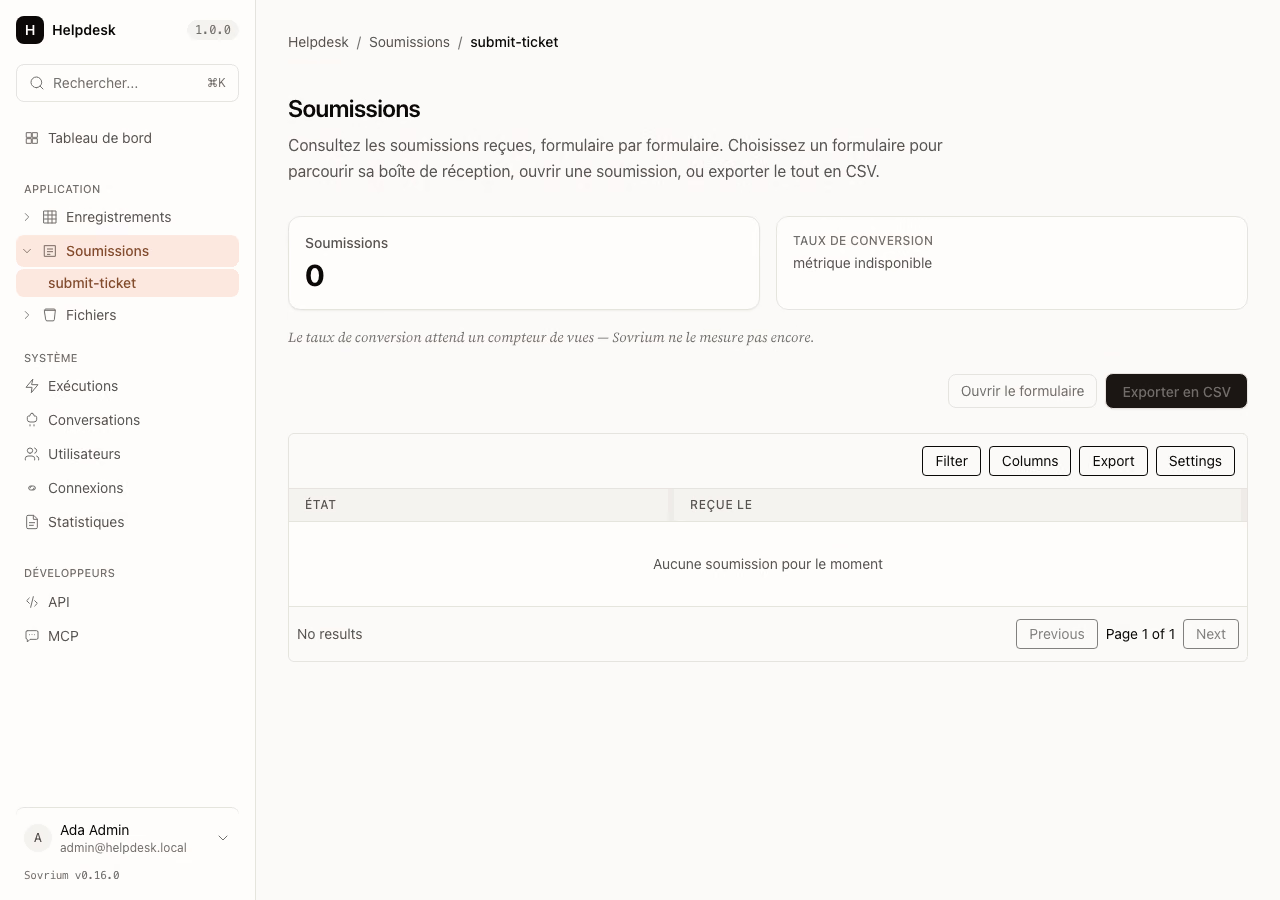
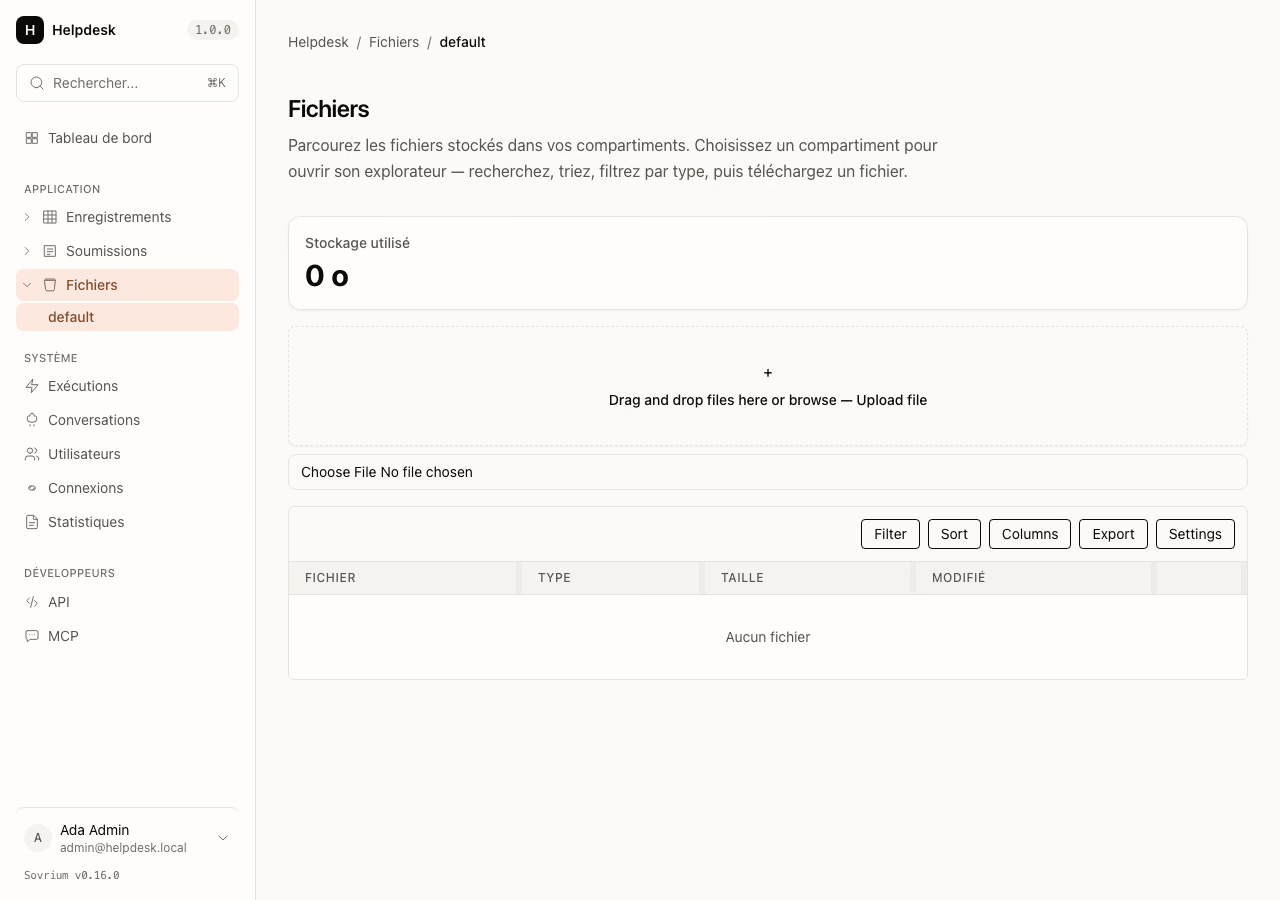
Day-to-day operational data, grouped under Application in the sidebar:
| Surface | Route | What you see |
|---|---|---|
| Records | /_admin/tables |
Every table's records — sort, filter, open a row in a detail drawer. |
| Submissions | /_admin/forms |
Form submissions inbox, per form, with the captured payload. |
| Files | /_admin/buckets |
Uploaded files per bucket, with size and MIME. |
System surfaces
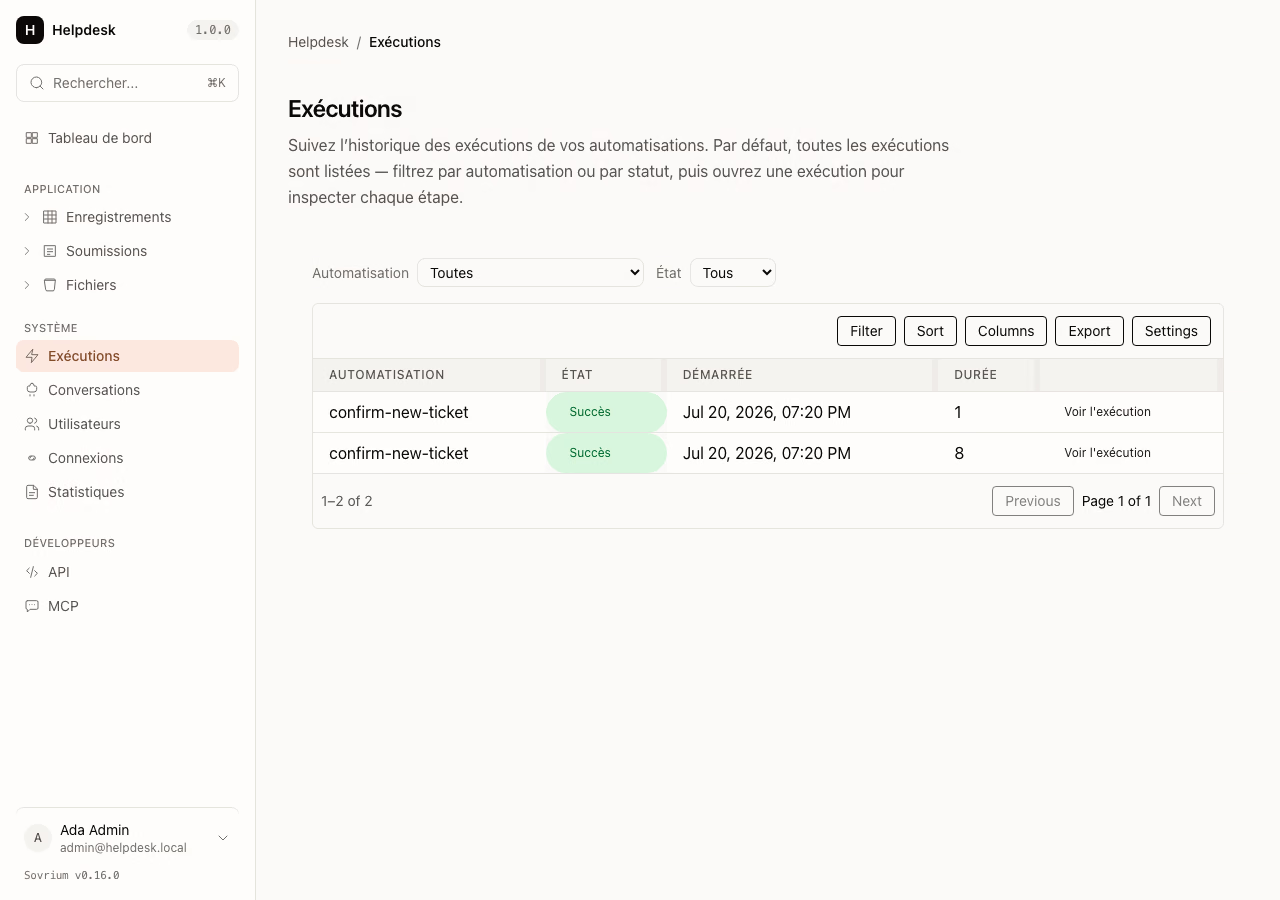
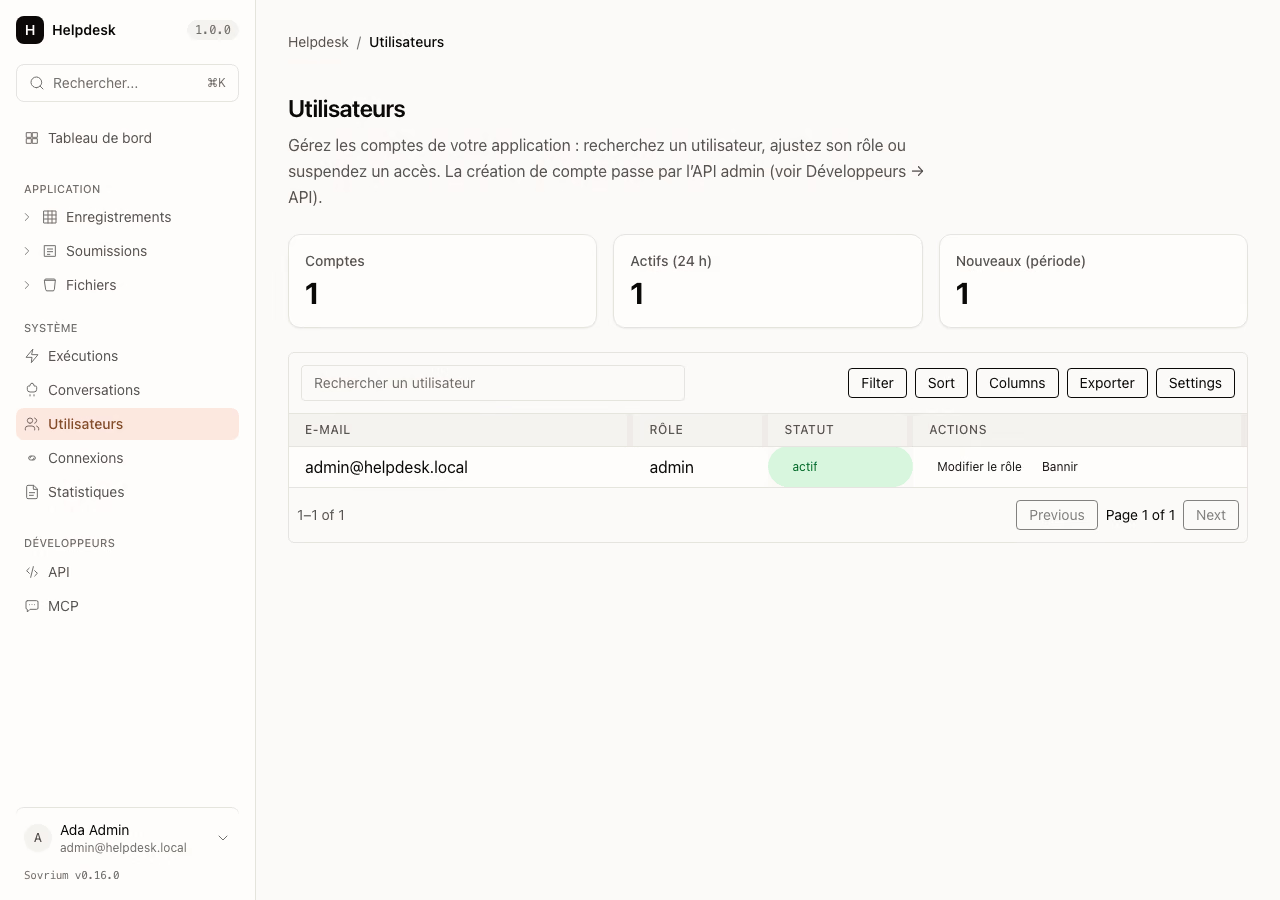
Runtime operations and accounts, grouped under System:
| Surface | Route | What you see |
|---|---|---|
| Runs | /_admin/automations |
Automation-run history — status, duration, per-step trace. |
| Conversations | /_admin/agents |
AI agent conversations and their messages. |
| Users | /_admin/users |
The account directory and role distribution. |
| Connections | /_admin/connections |
Connected third-party accounts (OAuth, API keys). |
| Analytics | /_admin/pages |
Privacy-friendly page analytics. |
Developers
- API (
/_admin/api) — the Scalar-rendered OpenAPI reference for the app's REST surface. - MCP (
/_admin/mcp) — how to connect an AI client over the Model Context Protocol.
Account self-service and search
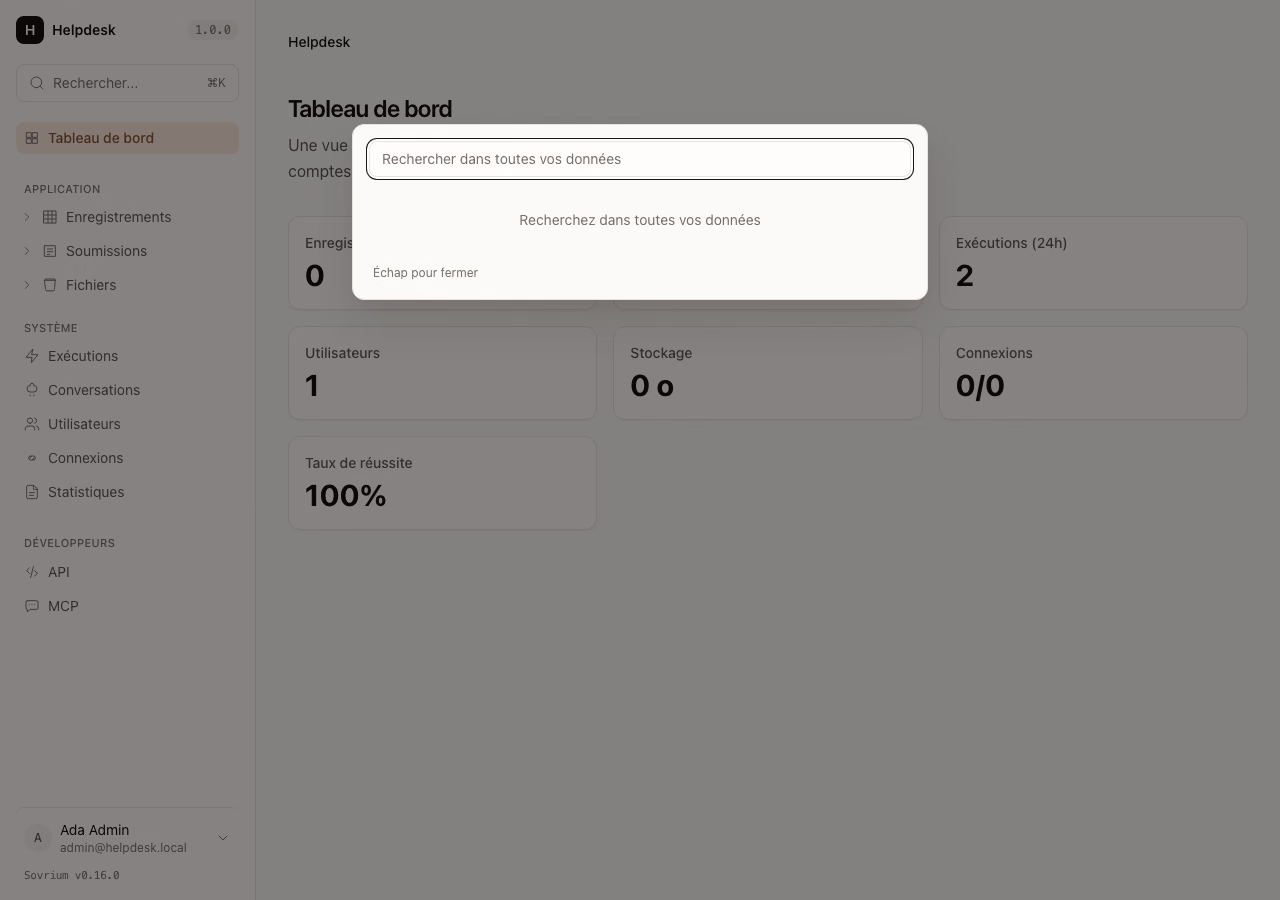
/gdpr— the signed-in user's own data export and account erasure (GDPR self-service).- ⌘K search — a global, indexed command palette that jumps to any record or surface from anywhere in the console.
The read API
The console is backed by the /api/admin/* read API — the same endpoints you can call directly for incident reports, on-call handoffs, or SOC2 / GDPR review. Every endpoint is admin-gated, emits a canonical audit-log event, and returns 404 on unauthorized access.
| Shape | Endpoint pattern | Body |
|---|---|---|
| Overview | GET /api/admin/{domain}/overview |
Period-aware totals, a bucketed time series, and derived health metrics. |
| List | GET /api/admin/{domain} |
Cursor-paginated items, each with an operator-grade _admin metadata block. |
Domains include config, automations, users, tables, buckets, and forms. Overview endpoints share one period preset (24h / 7d / 30d); list endpoints accept cursor pagination, free-text search, and ?include_deleted=true.
# Version reflection — the smallest read endpoint
curl -H 'Cookie: <admin session>' http://localhost:3000/api/admin/config/version

# Period-scoped overview
curl -H 'Cookie: <admin session>' 'http://localhost:3000/api/admin/tables/overview?period=7d'
Related Pages
- User Management — the mutating admin operations the dashboard reflects.
- Activity Monitoring — the audit-log stream every admin call writes to.
- Analytics — the traffic-analytics read surface.
- Security Hardening — RBAC, 404-not-403, rate limiting.
- Connect Claude over MCP — the AI-client integration linked from Developers.
Last updated August 11, 2026
This documentation was written with AI, so errors or outdated content are possible. Sovrium is in beta. Contributions and corrections are welcome.