Website
Landing Page
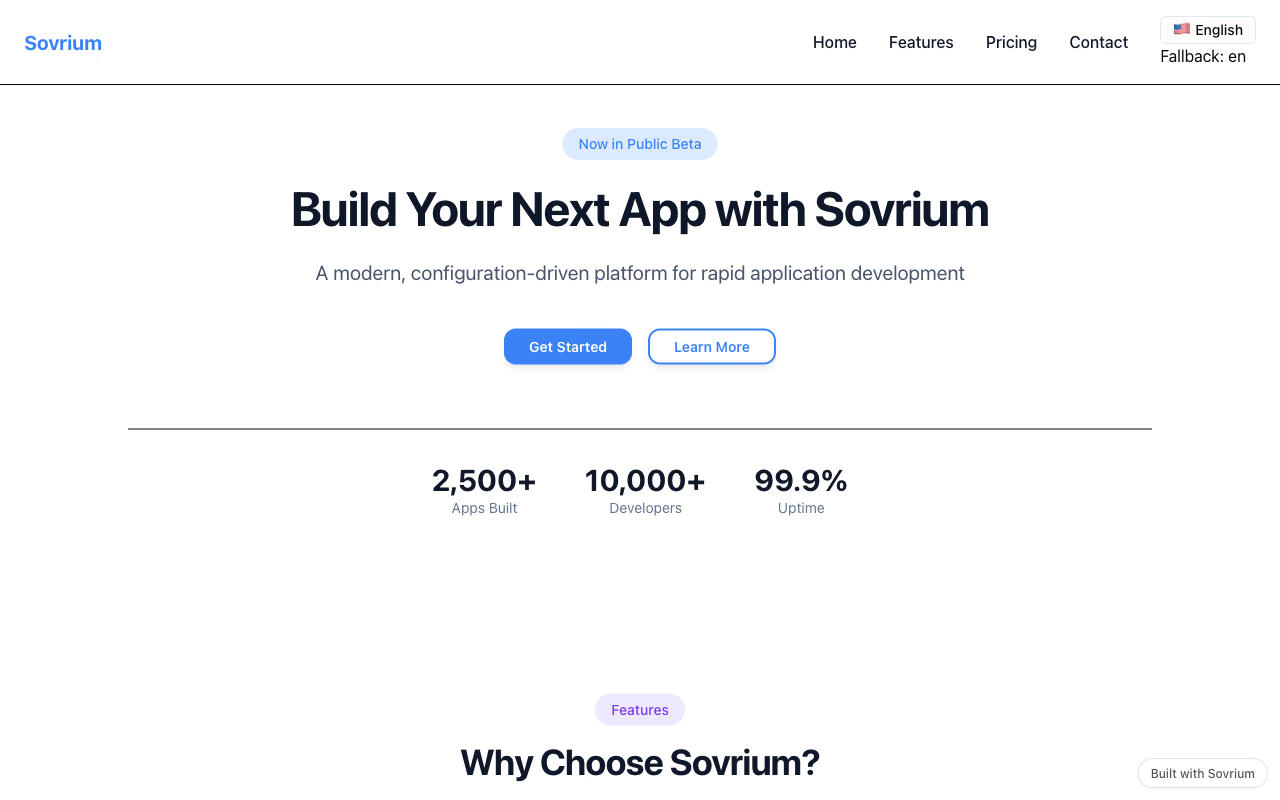
A bilingual marketing site: i18n, a theme, five reusable components, and a home page split out for size. A clean starting point for a product landing.
The configuration
This is the whole app. Copy it, change it, make it yours.
name: sovrium-landing
version: 1.0.0
description: Build apps faster with configuration-driven development

languages:
  $ref: ./config/languages.yaml

theme:
  $ref: ./config/theme.yaml

components:
  - $ref: ./config/components/hero-section.yaml
  - $ref: ./config/components/feature-card.yaml
  - $ref: ./config/components/step-card.yaml
  - $ref: ./config/components/cta-button.yaml
  - $ref: ./config/components/language-switcher.yaml

pages:
  - $ref: ./config/pages/home.yaml
Run it
Install Sovrium, then start the app from its config.
curl -fsSL https://sovrium.com/install | sh
sovrium init my-site --template landing-page
Build your own
Start from a template or an empty file. One config, and Sovrium runs the whole app.