Business app
Projects
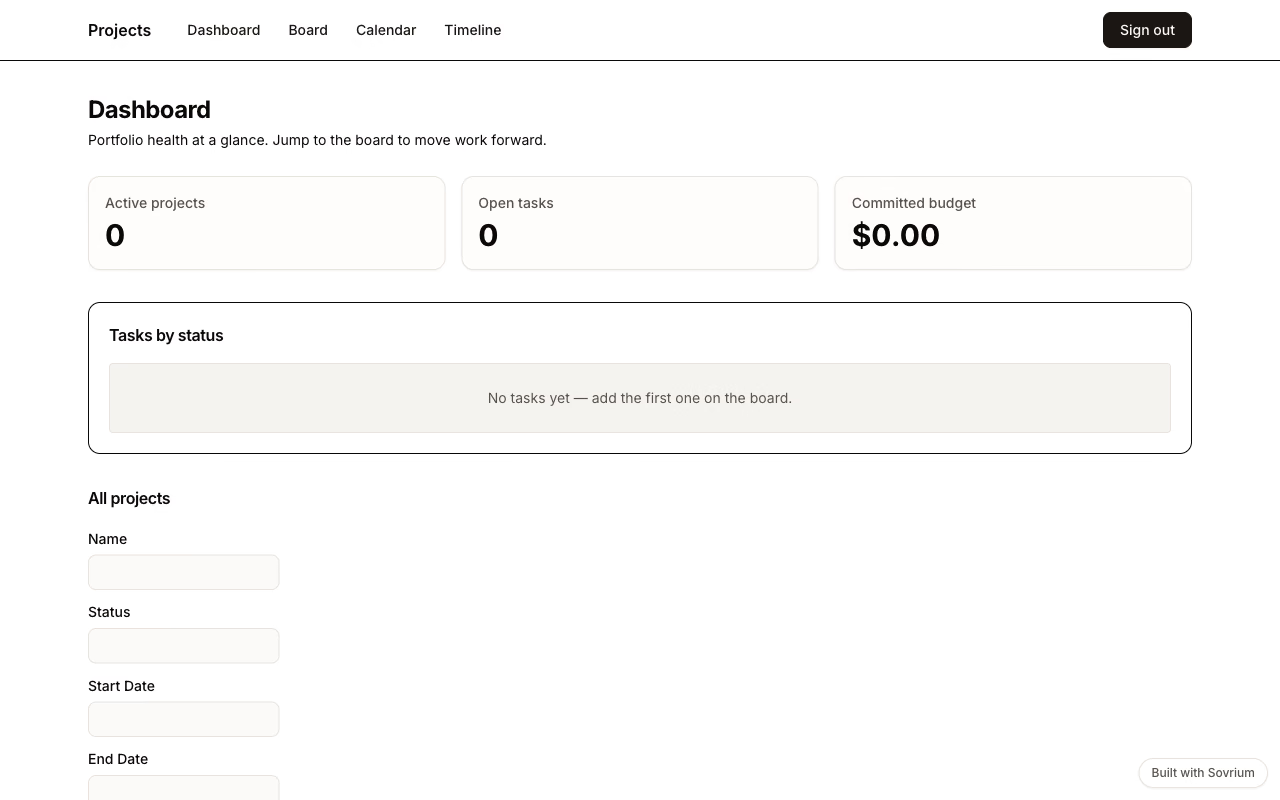
Project management over two tables and four views: a Gantt timeline, a drag-and-drop task board, a deadline calendar, and a KPI dashboard, with an automation that emails the assignee when a task gets blocked.
Demo sign-in
Email
demo@sovrium.com
Password
Sovrium-Demo-d8462d!
Resets every night. Visitor changes are wiped, so feel free to explore.
This app is one of the hosted Sovrium demos.
The configuration
This is the whole app. Copy it, change it, make it yours.
name: projects
version: 1.0.0
description: >-
  Project management workspace — plan projects on a Gantt timeline, run the
  work on a task kanban, and track deadlines on a calendar. One config, four
  views over the same two tables.

auth:
  $ref: ./config/auth.yaml

theme:
  $ref: ./config/theme.yaml

tables:
  - $ref: ./config/tables/projects.yaml
  - $ref: ./config/tables/tasks.yaml

pages:
  - $ref: ./config/pages/sign-in.yaml
  - $ref: ./config/pages/dashboard.yaml
  - $ref: ./config/pages/board.yaml
  - $ref: ./config/pages/calendar.yaml
  - $ref: ./config/pages/timeline.yaml

# Automations run server-side with full history in your own database.
automations:
  - $ref: ./config/automations/notify-assignee-on-blocked.yaml
Run it
Install Sovrium, then start the app from its config.
curl -fsSL https://sovrium.com/install | sh
sovrium init my-projects --template projects
Build your own
Start from a template or an empty file. One config, and Sovrium runs the whole app.