Business app
Expenses
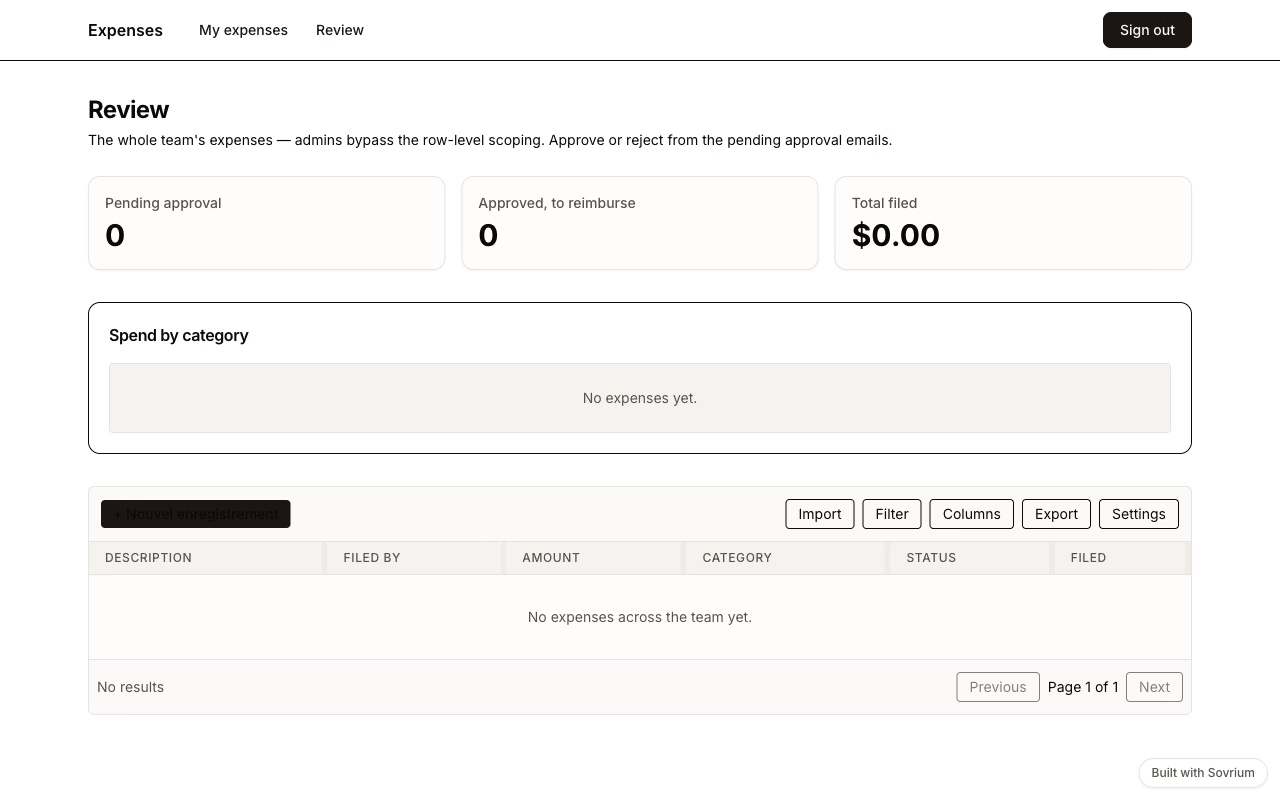
Expense approvals with real guarantees: receipts land in a private bucket, row-level permissions mean members only ever see their own expenses, and each one waits on an admin approval before it moves.
Demo sign-in
Email
demo@sovrium.com
Password
Sovrium-Demo-d8462d!
Resets every night. Visitor changes are wiped, so feel free to explore.
This app is one of the hosted Sovrium demos.
The configuration
This is the whole app. Copy it, change it, make it yours.
name: expenses
version: 1.0.0
description: >-
  Expense tracking — members file expenses with receipts and see only their
  own (row-level permissions); admins approve each one through a paused
  automation and watch spend by category on a dashboard. Not an accounting
  system — a clean approval trail in your own database.

auth:
  $ref: ./config/auth.yaml

theme:
  $ref: ./config/theme.yaml

# Named storage bucket for receipt uploads (local disk by default; S3 when the
# operator sets STORAGE_PROVIDER).
buckets:
  - $ref: ./config/buckets/receipts.yaml

tables:
  - $ref: ./config/tables/expenses.yaml

pages:
  - $ref: ./config/pages/sign-in.yaml
  - $ref: ./config/pages/my-expenses.yaml
  - $ref: ./config/pages/review.yaml

# Automations run server-side with full history in your own database.
automations:
  - $ref: ./config/automations/approve-expense.yaml
Run it
Install Sovrium, then start the app from its config.
curl -fsSL https://sovrium.com/install | sh
sovrium init my-expenses --template expenses
Build your own
Start from a template or an empty file. One config, and Sovrium runs the whole app.