Docs
Docs Site
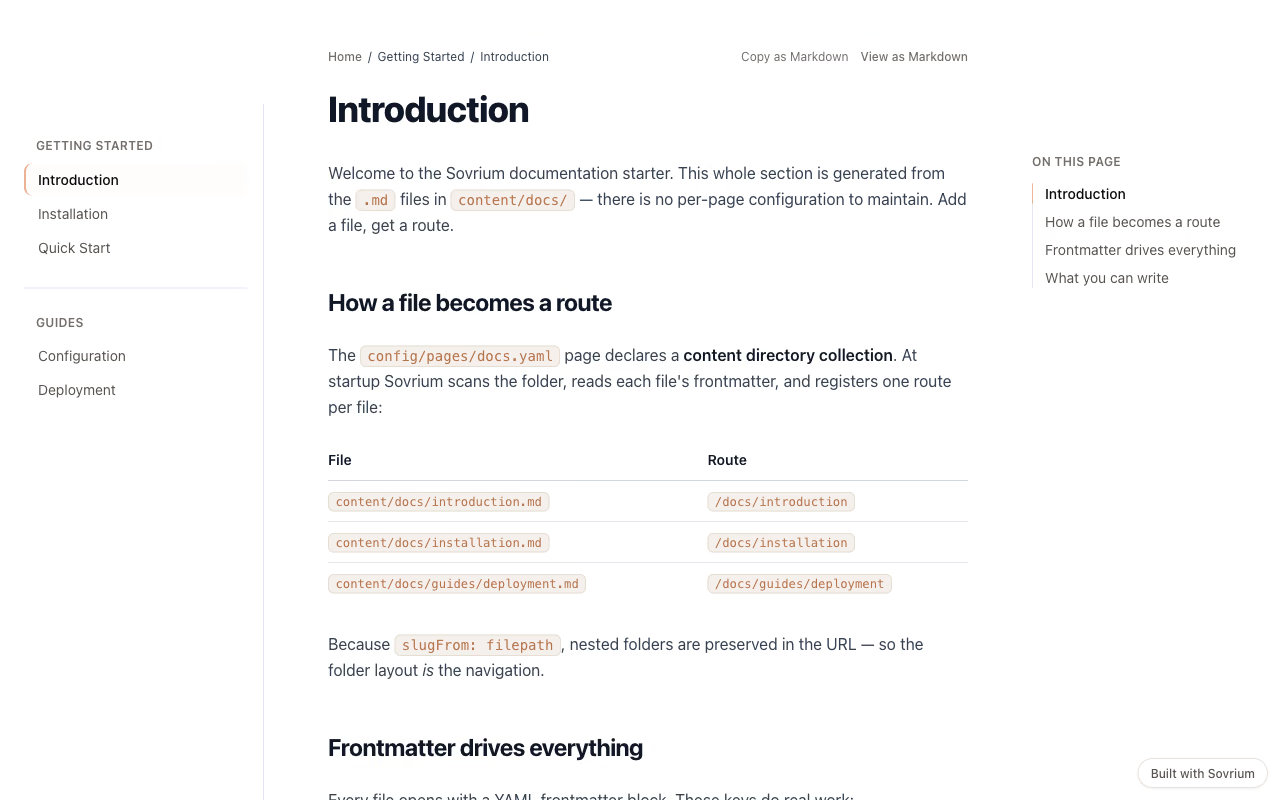
A documentation website from plain markdown files: a contentDir collection turns a folder of .md files into one route per file, with a grouped sidebar, prev/next, a TOC, and highlighted code.
contentDirThe configuration
This is the whole app. Copy it, change it, make it yours.
name: docs-site
version: 1.0.0
description: >-
  A documentation website built with Sovrium's markdown pages feature — an
  Astro Starlight / Docusaurus alternative. The docs live as plain `.md` files
  under `content/docs/`, authored in any editor and tracked in Git. A single
  `contentDir` collection page turns that folder into one route per file, with
  a frontmatter-grouped sidebar, automatic prev/next links, a table of
  contents, and Shiki-highlighted code — all from configuration. The home page
  shows the inline-markdown mode; the docs section shows the file-based
  content-directory mode.

theme:
  $ref: ./config/theme.yaml

pages:
  # Inline-markdown landing page (markdown.content + layout: prose)
  - $ref: ./config/pages/home.yaml
  # File-based docs collection (contentDir → one route per .md file)
  - $ref: ./config/pages/docs.yaml
Run it
Install Sovrium, then start the app from its config.
curl -fsSL https://sovrium.com/install | sh
sovrium init my-docs --template docs-site
Build your own
Start from a template or an empty file. One config, and Sovrium runs the whole app.