Business app
Company OS
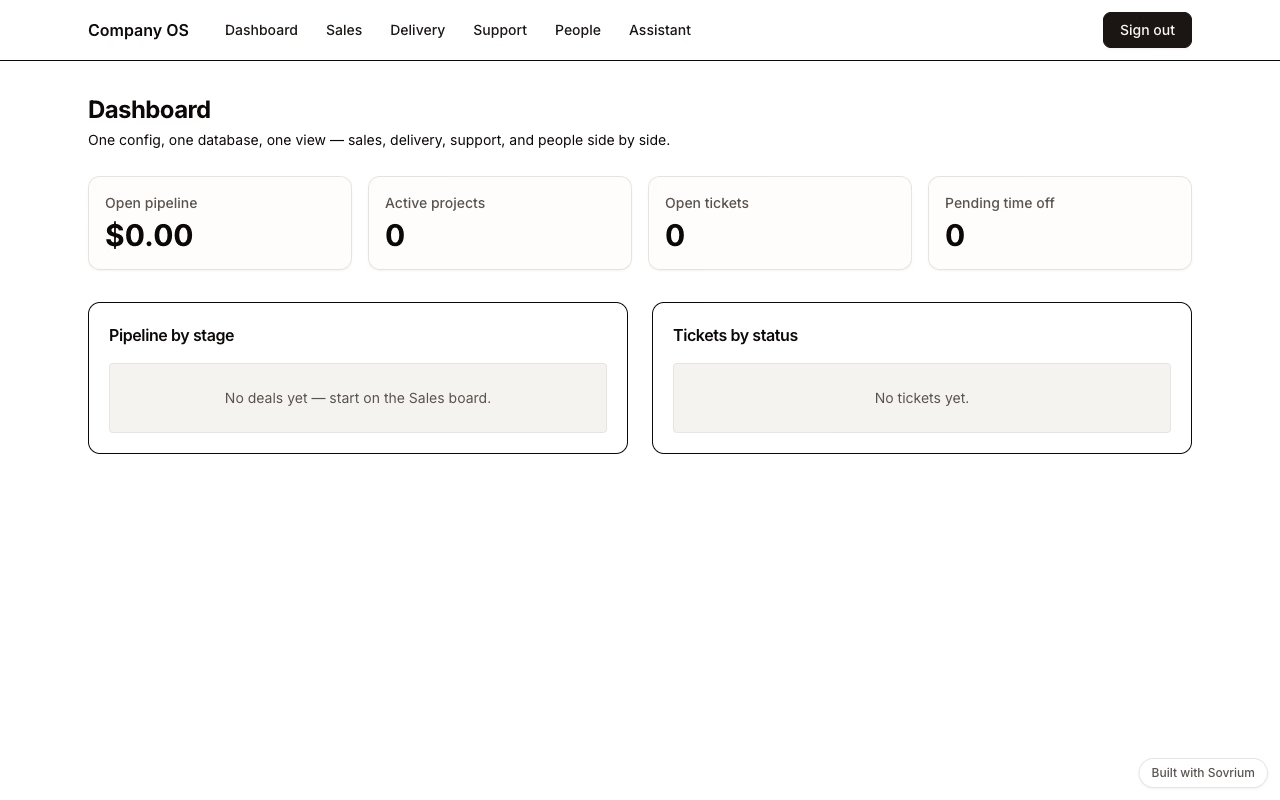
The flagship: CRM, delivery, support, and HR in one config and one database. A won deal auto-opens its delivery project, resolved tickets email the CRM contact, and one AI assistant works across every domain.
Demo sign-in
Email
demo@sovrium.com
Password
Sovrium-Demo-d8462d!
Resets every night. Visitor changes are wiped, so feel free to explore.
This app is one of the hosted Sovrium demos.
The configuration
This is the whole app. Copy it, change it, make it yours.
# The flagship: an entire information system in ONE config. CRM, project
# delivery, support, and HR share the same database and cross-reference each
# other — a won deal spawns a delivery project, a ticket links to the CRM
# contact, and one AI assistant works across all of it. This is the file you
# diff, fork, and re-deploy: no per-module licence, no integration glue.
name: company-os
version: 1.0.0
description: >-
  A company's information system in one config — CRM pipeline, project
  delivery, support tickets, and an HR directory with time off, wired
  together with cross-domain automations and one AI assistant.

auth:
  $ref: ./config/auth.yaml

theme:
  $ref: ./config/theme.yaml

tables:
  # CRM
  - $ref: ./config/tables/companies.yaml
  - $ref: ./config/tables/contacts.yaml
  - $ref: ./config/tables/deals.yaml
  # Delivery
  - $ref: ./config/tables/projects.yaml
  - $ref: ./config/tables/project_tasks.yaml
  # Support
  - $ref: ./config/tables/tickets.yaml
  # People
  - $ref: ./config/tables/employees.yaml
  - $ref: ./config/tables/time_off_requests.yaml

# One assistant across the whole IS (surfaced on /assistant). Requires an AI
# provider at runtime (AI_PROVIDER, local Ollama by default); config
# validation does not need it.
agents:
  - $ref: ./config/agents/ops-assistant.yaml

pages:
  - $ref: ./config/pages/sign-in.yaml
  - $ref: ./config/pages/dashboard.yaml
  - $ref: ./config/pages/sales.yaml
  - $ref: ./config/pages/delivery.yaml
  - $ref: ./config/pages/support.yaml
  - $ref: ./config/pages/people.yaml
  - $ref: ./config/pages/assistant.yaml

# Cross-domain automations — the point of one config: domains react to each
# other without integration middleware.
automations:
  - $ref: ./config/automations/create-project-on-won-deal.yaml
  - $ref: ./config/automations/notify-contact-on-resolved-ticket.yaml
  - $ref: ./config/automations/approve-time-off.yaml
Run it
Install Sovrium, then start the app from its config.
curl -fsSL https://sovrium.com/install | sh
sovrium init my-company --template company-os
Build your own
Start from a template or an empty file. One config, and Sovrium runs the whole app.