Blog
Blog
A self-hostable blog CMS: a public reading experience plus an authenticated admin space to write, edit, and publish rich-text articles.
Demo sign-in
Email
demo@sovrium.com
Password
Sovrium-Demo-d8462d!
Resets every night. Visitor changes are wiped, so feel free to explore.
This app is one of the hosted Sovrium demos.
The configuration
This is the whole app. Copy it, change it, make it yours.
name: blog
version: 1.0.0
description: >-
  A self-hostable blog CMS — a WordPress / Webflow alternative. Public reading
  experience plus an authenticated admin space to create, edit, and publish
  articles. The first account registered at /admin/register becomes the admin;
  later sign-ups are editors.

auth:
  $ref: ./config/auth.yaml

theme:
  $ref: ./config/theme.yaml

# Runtime AI agents. The blog-editor assistant drafts, edits, and reviews posts
# under the `editor` role, with every write held for human approval. Requires an
# AI provider at runtime (set AI_PROVIDER — defaults to a local Ollama).
agents:
  - $ref: ./config/agents/blog-editor.yaml

tables:
  - $ref: ./config/tables/authors.yaml
  - $ref: ./config/tables/tags.yaml
  - $ref: ./config/tables/posts.yaml

pages:
  # Public site
  - $ref: ./config/pages/index.yaml
  - $ref: ./config/pages/post-detail.yaml
  # Admin space
  - $ref: ./config/pages/admin-login.yaml
  - $ref: ./config/pages/admin-register.yaml
  - $ref: ./config/pages/admin-dashboard.yaml
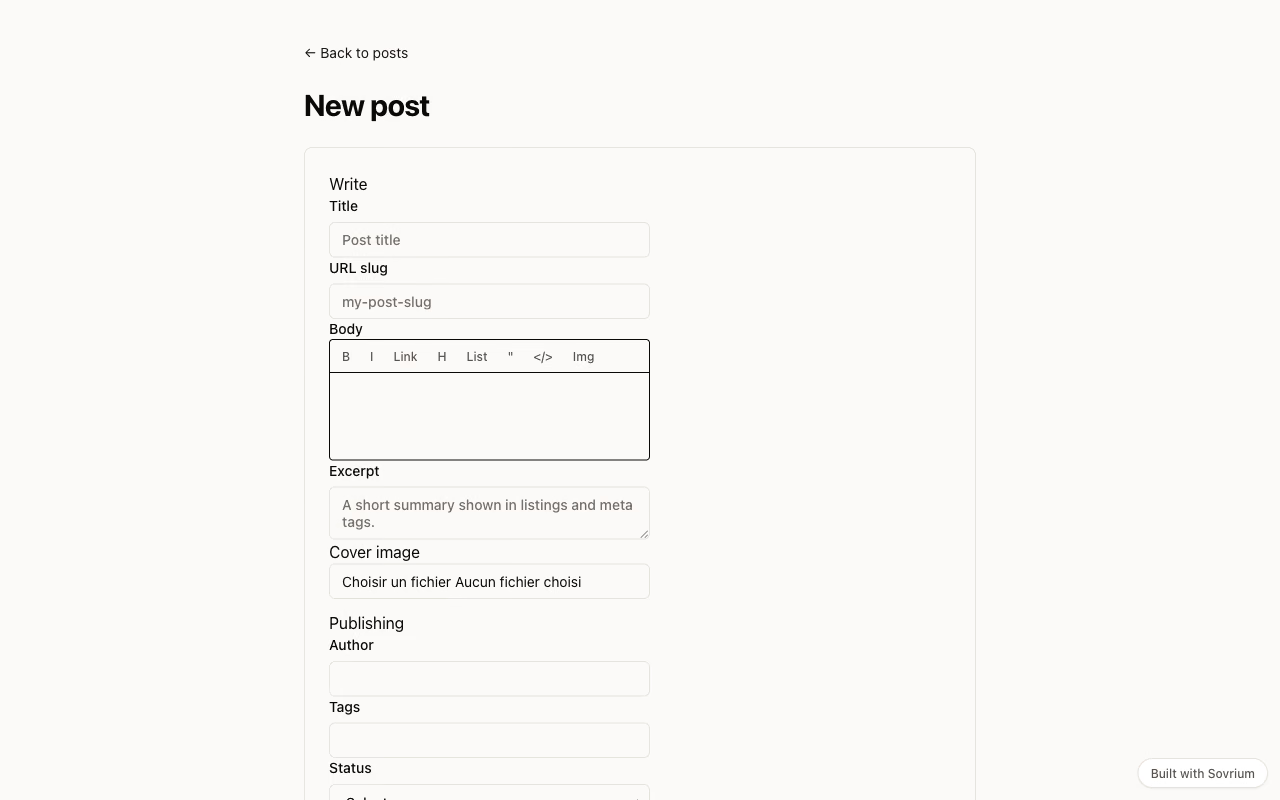
  - $ref: ./config/pages/admin-post-new.yaml
  - $ref: ./config/pages/admin-post-edit.yaml
  - $ref: ./config/pages/admin-tags.yaml
  - $ref: ./config/pages/admin-authors.yaml
  - $ref: ./config/pages/admin-ai-editor.yaml
Run it
Install Sovrium, then start the app from its config.
curl -fsSL https://sovrium.com/install | sh
sovrium init my-blog --template blog
Build your own
Start from a template or an empty file. One config, and Sovrium runs the whole app.